

I ended up with two versions of the same workflow: first on my Windows laptop, then on a VPS. The goal was the same in both places. I wanted OpenCode to send requests to a local OpenAI-compatible endpoint, let 9Router handle the provider routing, and avoid hardcoding API keys or guessing model names.
The short version is this:
OpenCode
  -> local 9Router /v1 endpoint
  -> connected provider
  -> exact model ID exposed by 9Router
On Windows, the endpoint is local to the laptop. On the VPS, the endpoint is local to the server, and the dashboard is reached through an SSH tunnel.
Hero image note: the hero image is an original raster PNG illustration created for this article. It is not an SVG hero, and it does not include copied third-party logos, API keys, passwords, or real IP addresses.
Sources used for the factual parts:
The Architecture
For the Windows setup, everything runs on the laptop:
OpenCode on Windows
  -> http://127.0.0.1:20128/v1
  -> 9Router on Windows
  -> connected provider model
For the VPS setup, 9Router stays private on loopback:
VPS
├─ 9Router bound to 127.0.0.1:20128
├─ PM2 keeps 9Router alive
├─ OpenCode runs inside the project folder
└─ Browser reaches dashboard through SSH tunnel
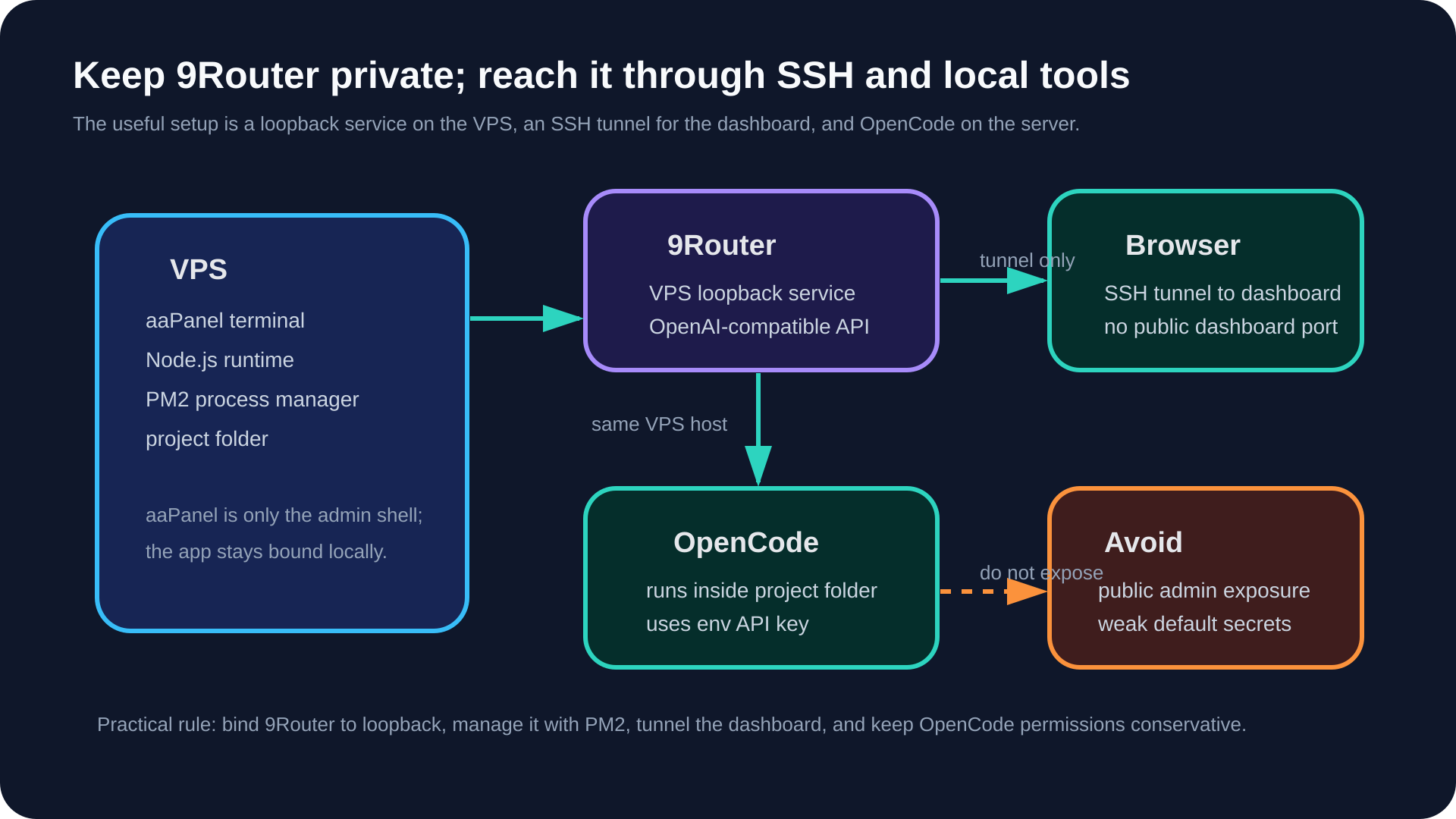
The important security boundary is the same in both versions:
the API key stays in an environment variable
OpenCode talks to a local
/v1endpointmodel IDs are copied from 9Router instead of guessed
the VPS dashboard is not exposed directly to the public internet
Part 1: Windows Local Setup
I started on Windows because it is the fastest way to prove the basic flow.
Check Node and npm
9Router and OpenCode are installed through npm in this setup, so I first checked the local runtime:
node -v
npm -v
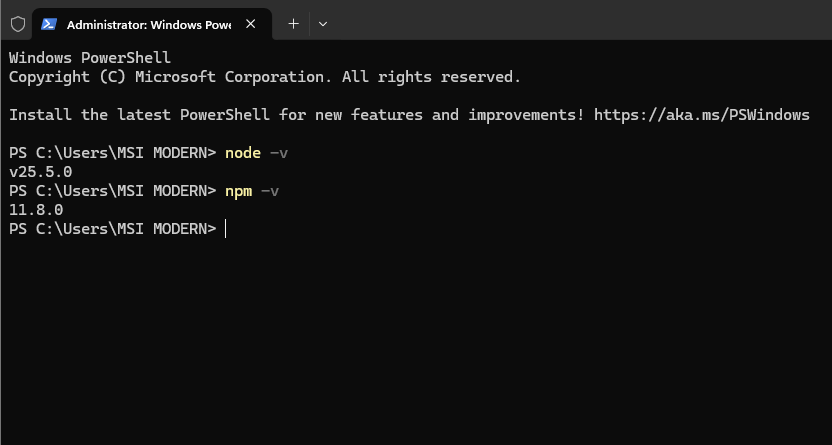
This matters because a failed global install is often a Node.js, npm, path, or shell environment issue rather than a 9Router issue.
Install and Start 9Router
I installed 9Router globally:
npm install -g 9router
9router
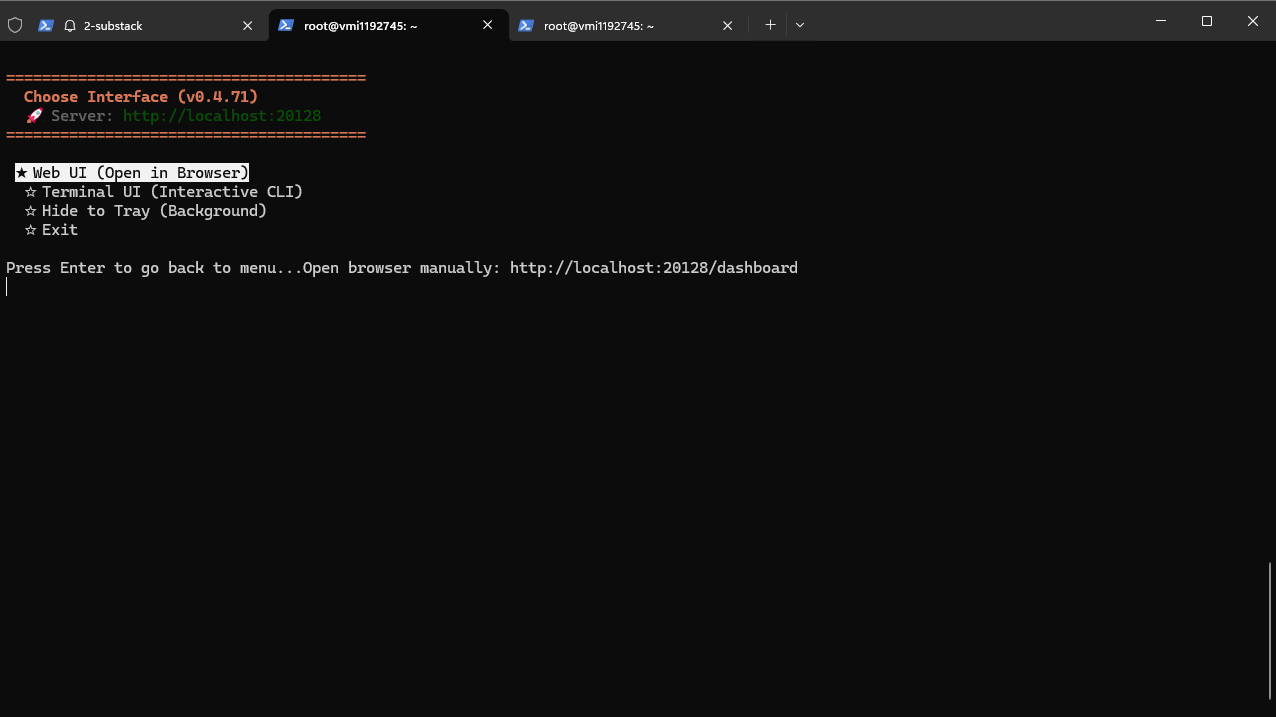
When 9Router started, it asked which interface to open.
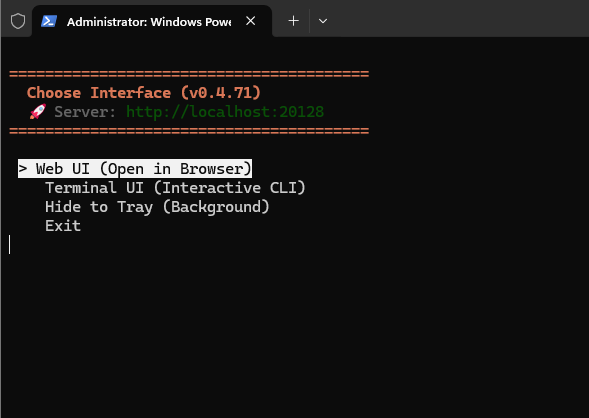
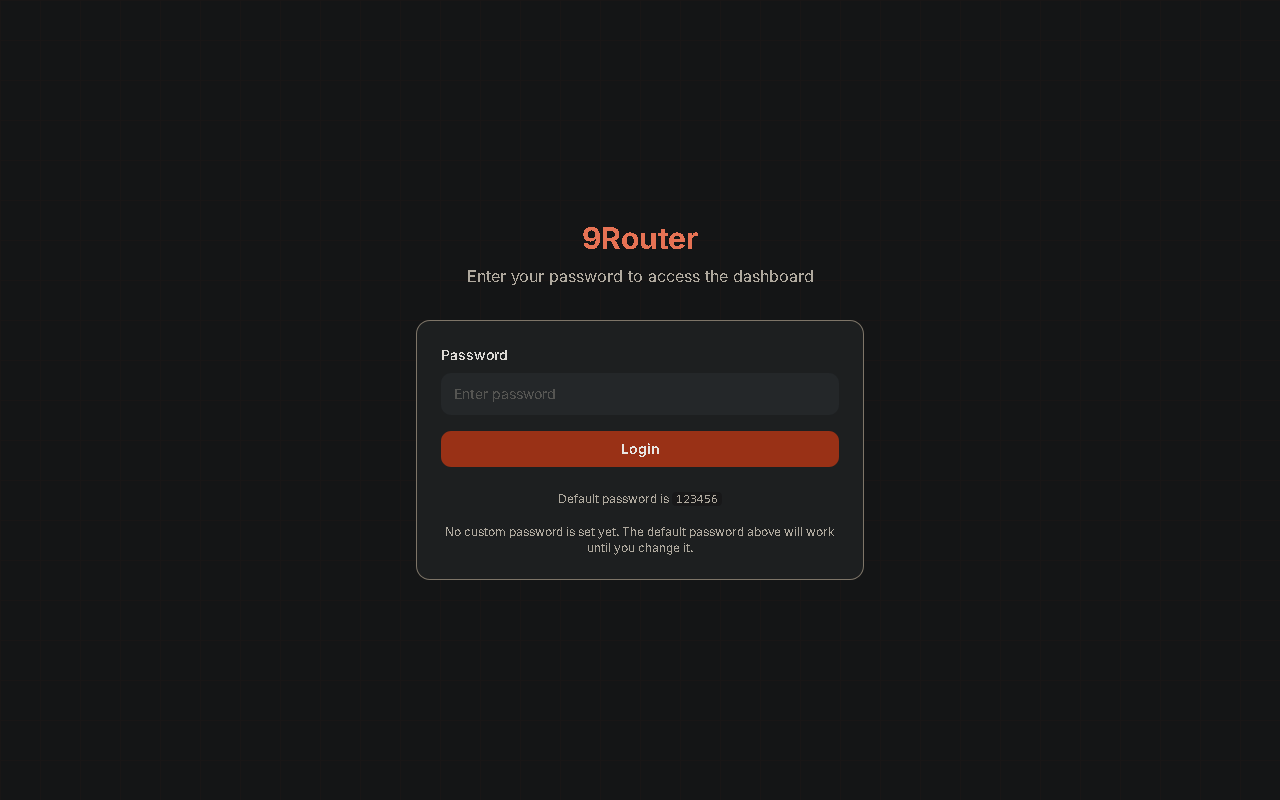
I opened the dashboard at:
http://localhost:20128/dashboard
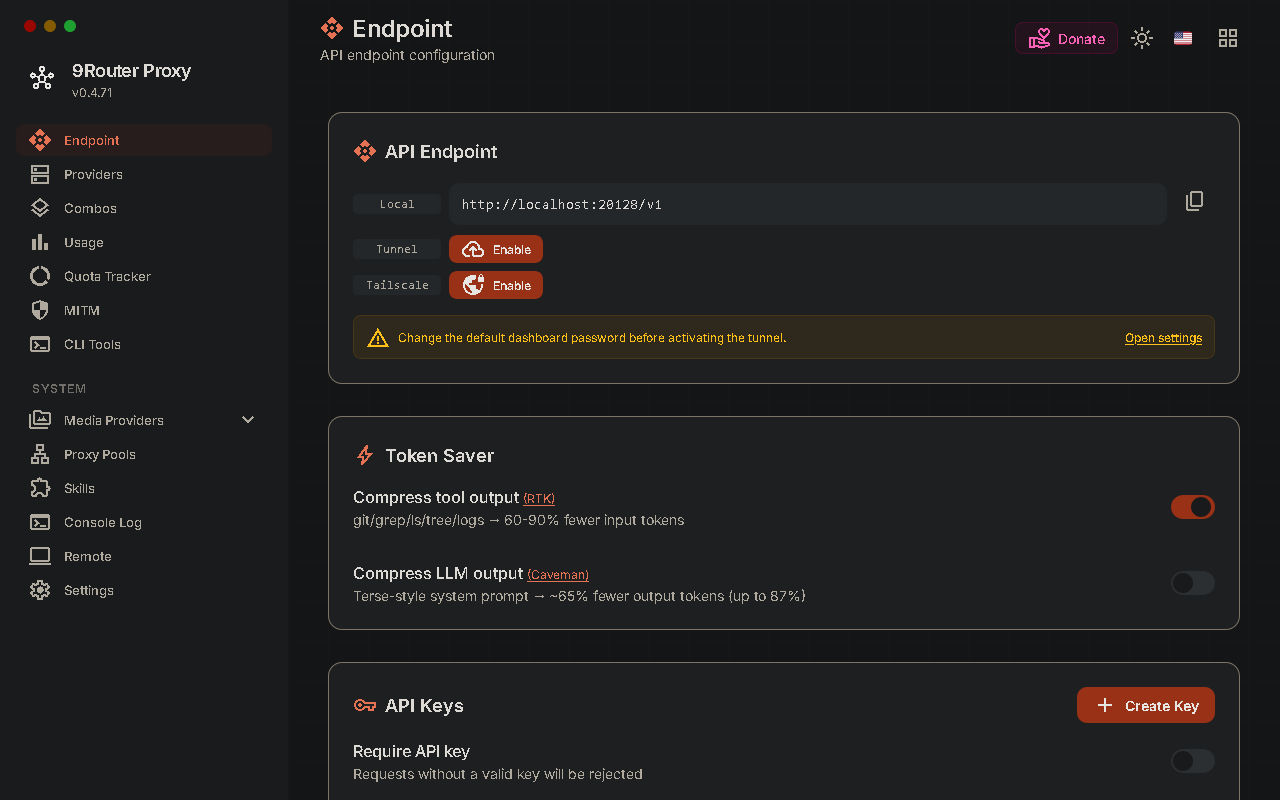
The dashboard showed the local API endpoint and API key area.
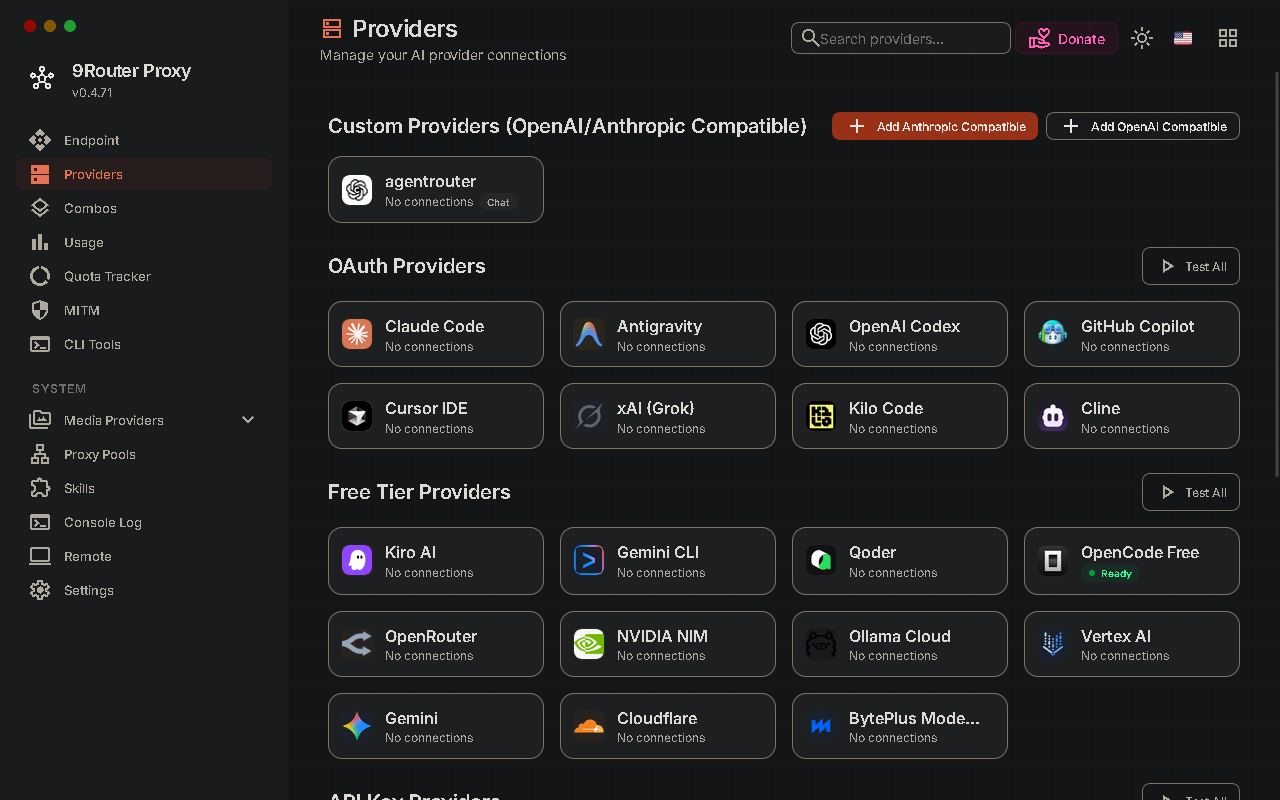
The provider catalog showed multiple provider options, including free-tier providers.
Connect OpenCode Free
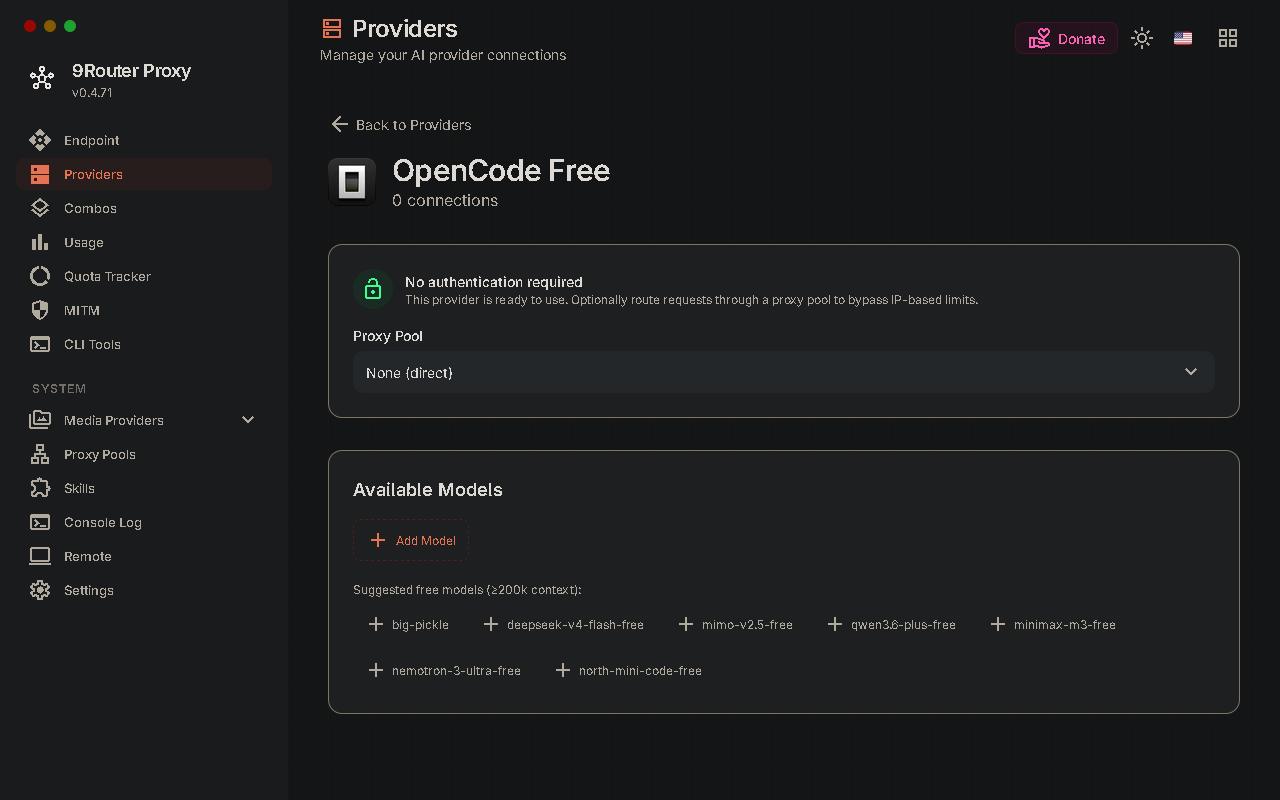
Inside the dashboard, I opened the provider area and selected OpenCode Free. The dashboard showed the available models after the provider was connected.
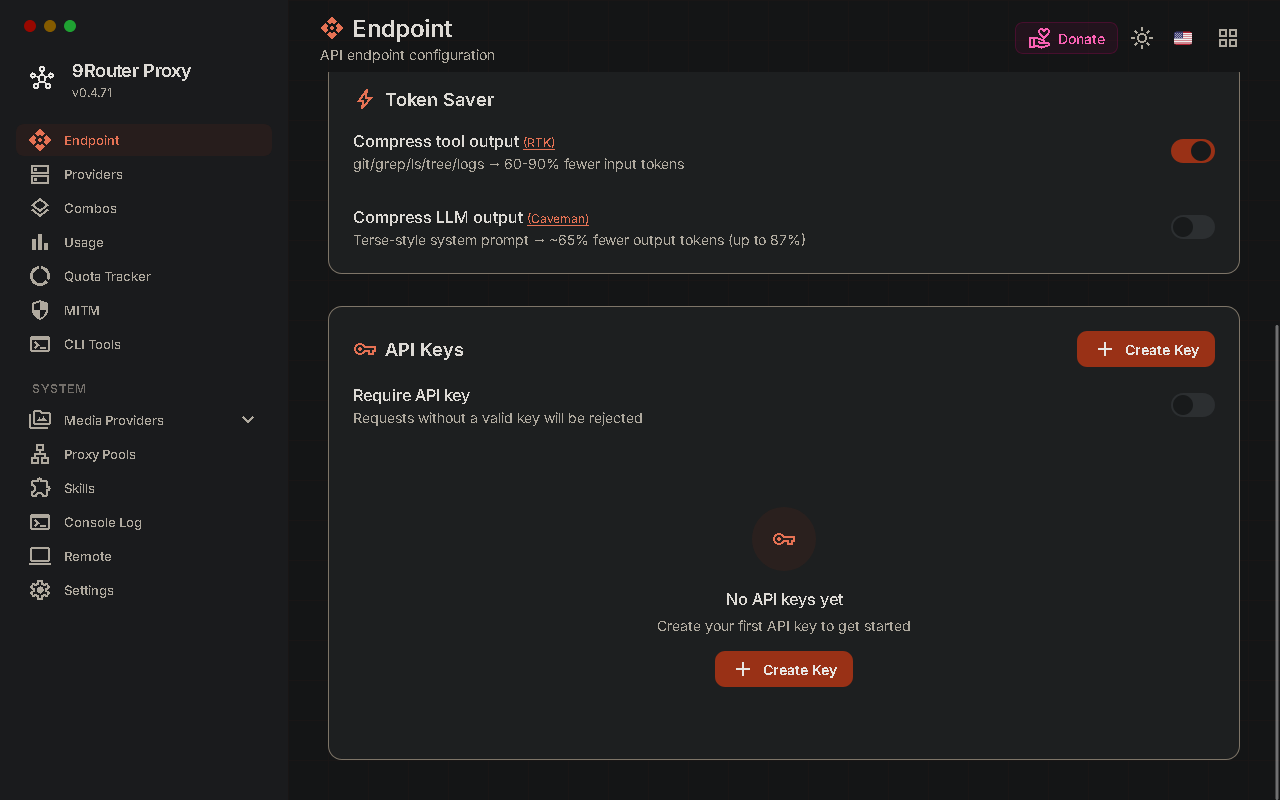
Then I created an API key from the endpoint page.
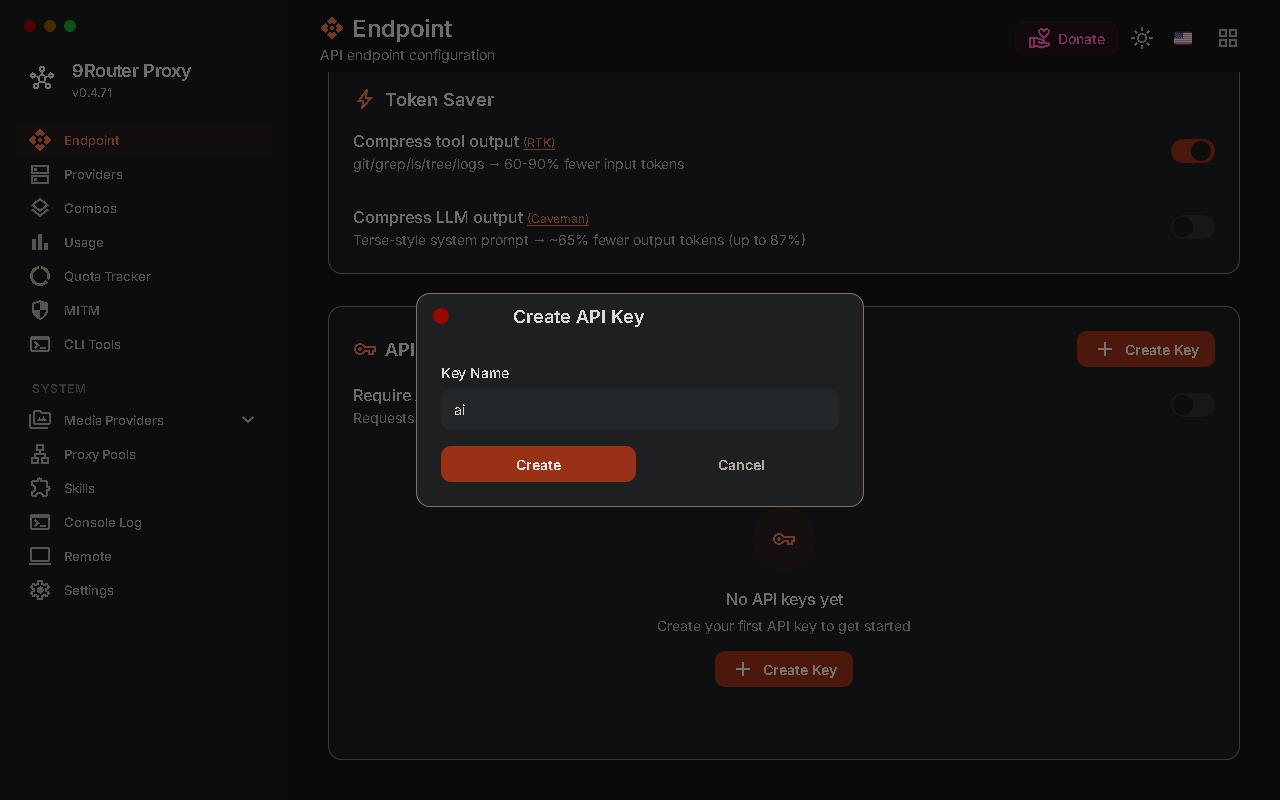
For local testing, the key is used like a bearer token by OpenCode. I stored it as an environment variable instead of hardcoding it into the OpenCode config file.
setx NINEROUTER_API_KEY "PASTE_YOUR_9ROUTER_KEY_HERE"
After using setx, open a new terminal session so the variable is available to new processes.
First OpenCode Config
I installed OpenCode and created the config folder:
npm install -g opencode-ai
New-Item -ItemType Directory -Force "$HOME\.config\opencode" | Out-Null
notepad "$HOME\.config\opencode\opencode.json"
My first config used the local 9Router endpoint and a single model alias:
{
  "$schema": "https://opencode.ai/config.json",
  "provider": {
    "9router": {
      "npm": "@ai-sdk/openai-compatible",
      "name": "Local 9Router",
      "options": {
        "baseURL": "http://localhost:20128/v1",
        "apiKey": "{env:NINEROUTER_API_KEY}"
      },
      "models": {
        "oc-free": {
          "name": "OpenCode Free via 9Router"
        }
      }
    }
  },
  "model": "9router/oc-free",
  "permission": {
    "edit": "ask",
    "bash": "ask"
  }
}
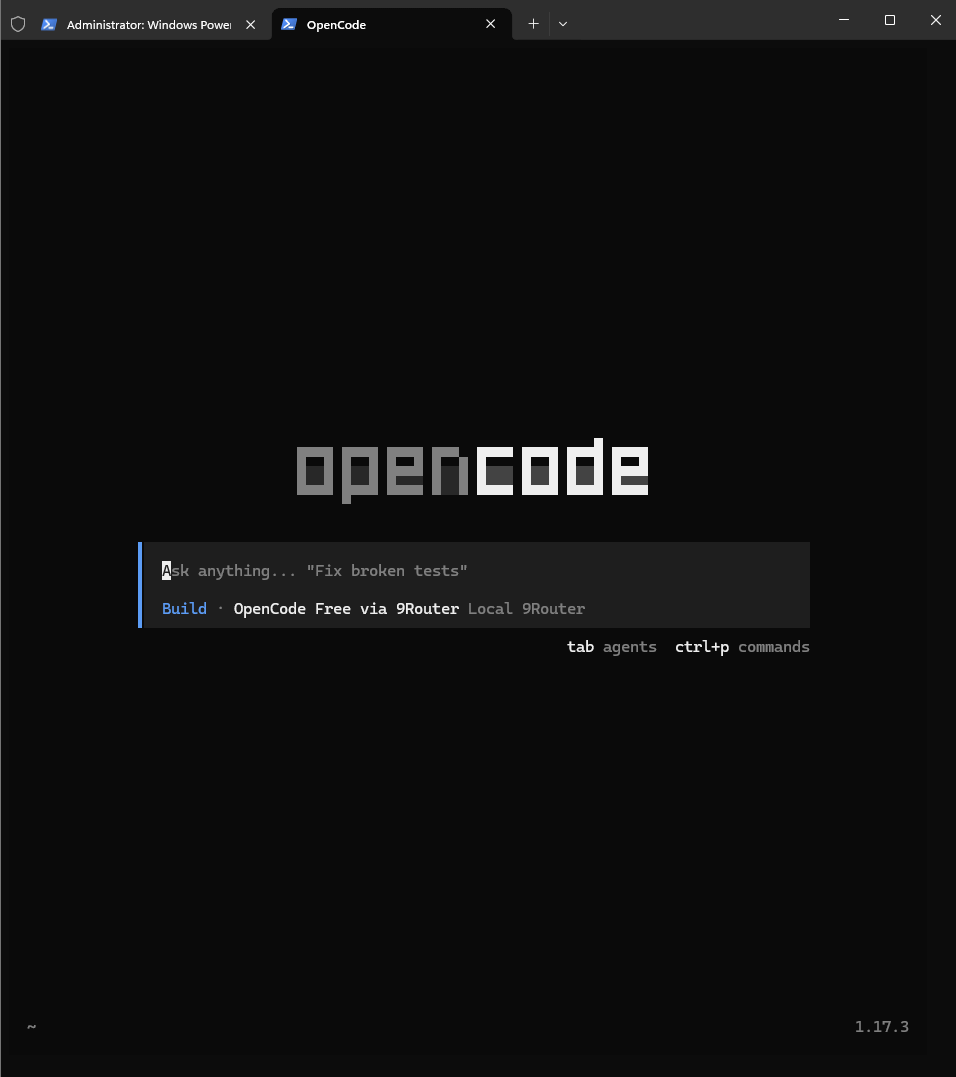
OpenCode started, but the first run was not correct yet.
Debug the Model Error
When I tried to use OpenCode, it failed with a model-related error.
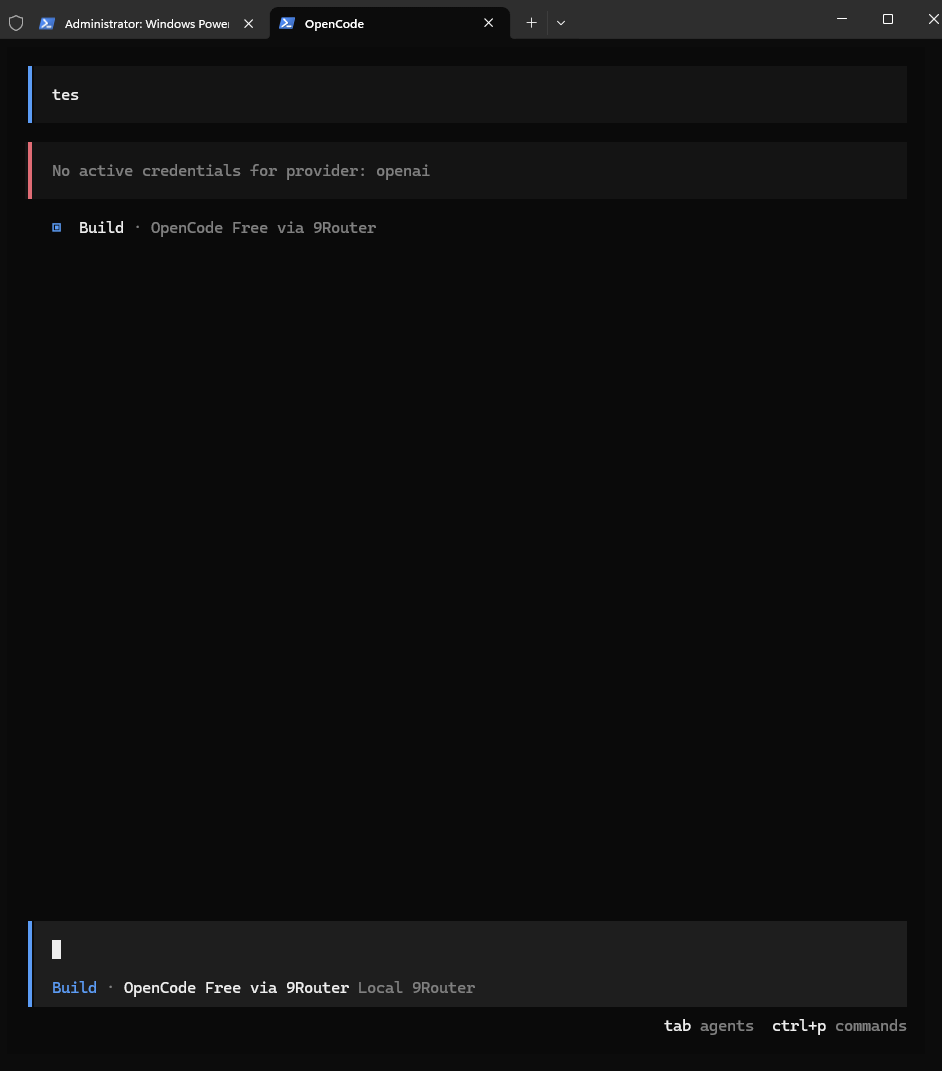
At this point, guessing is the wrong move. The router was local, so I asked 9Router which models it exposed.
Invoke-RestMethod `
  -Uri "http://127.0.0.1:20128/v1/models" `
  -Headers @{ Authorization = "Bearer $env:NINEROUTER_API_KEY" } |
  Select-Object -ExpandProperty data |
  Select-Object id
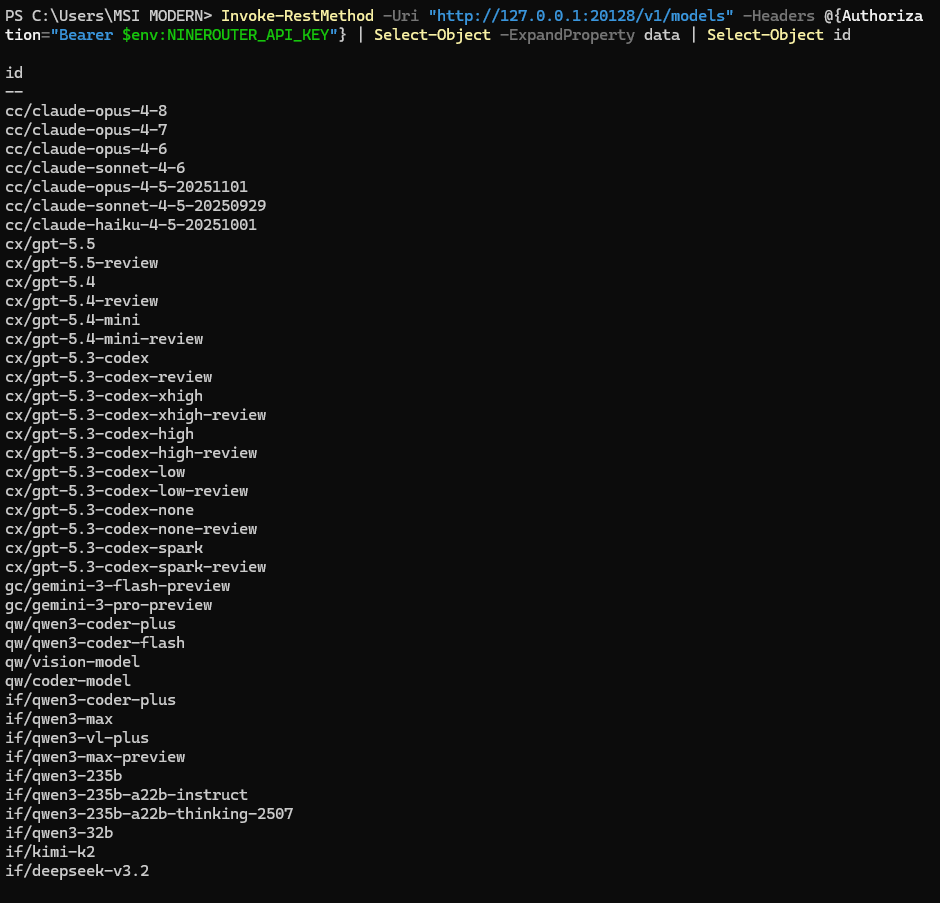
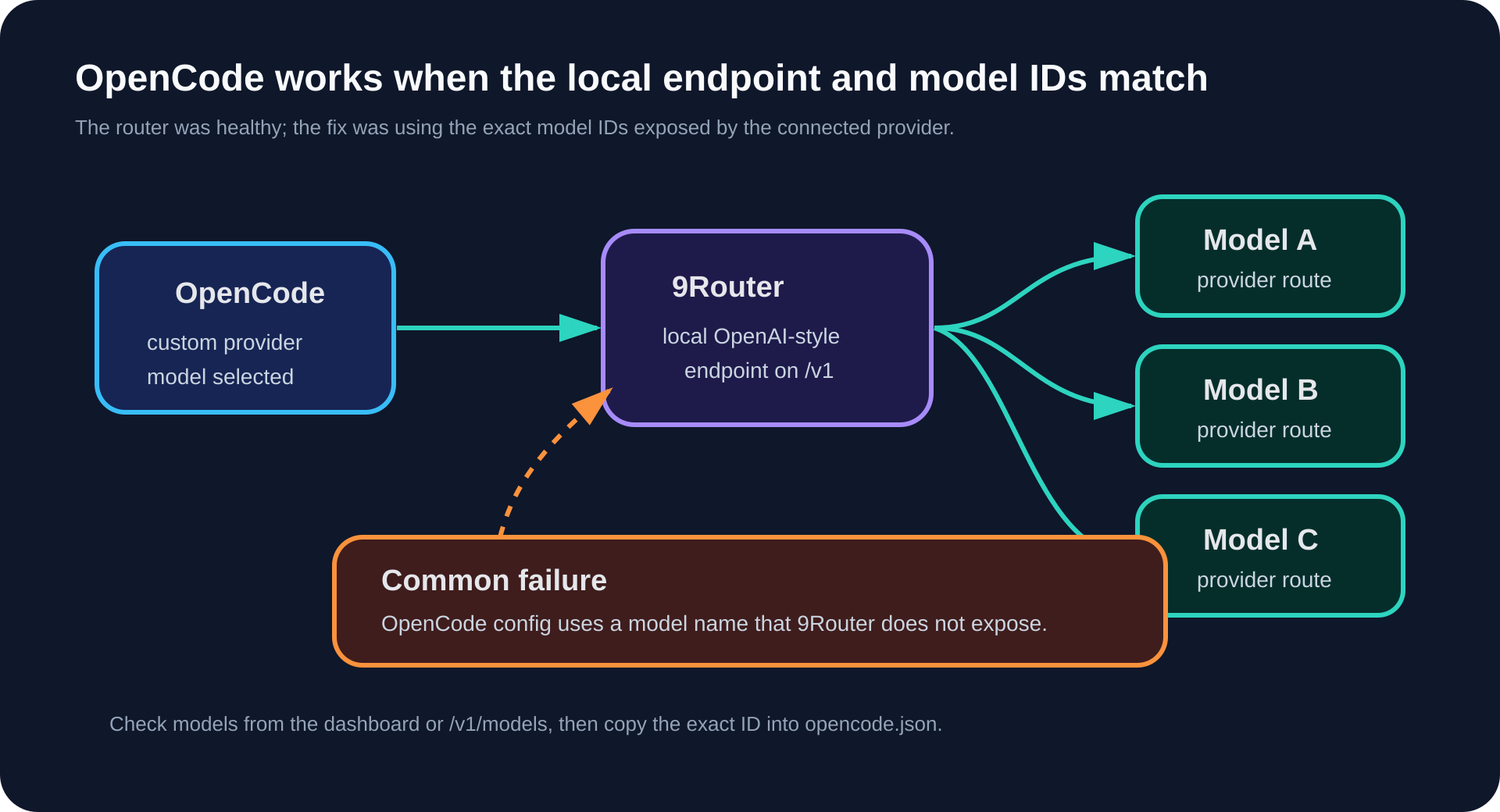
This check separates endpoint problems from model ID problems. If /v1/models responds, 9Router is reachable. If chat completion fails after that, the model ID or provider route is the next thing to inspect.
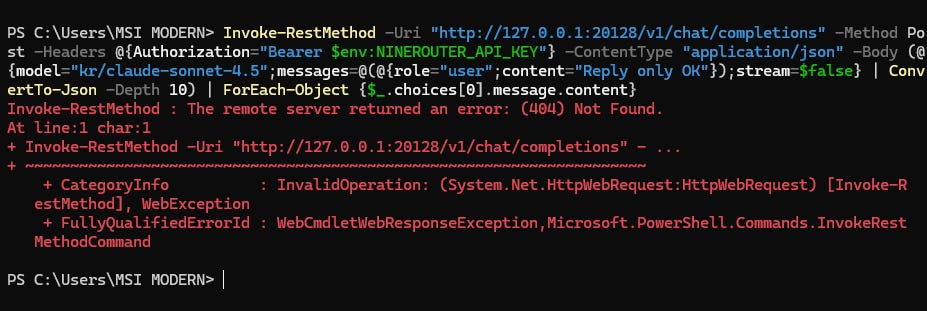
I also tested chat completion directly before blaming OpenCode:
Invoke-RestMethod `
  -Uri "http://127.0.0.1:20128/v1/chat/completions" `
  -Method Post `
  -Headers @{ Authorization = "Bearer $env:NINEROUTER_API_KEY" } `
  -ContentType "application/json" `
  -Body (@{
    model = "kr/claude-sonnet-4.5"
    messages = @(@{ role = "user"; content = "Reply only OK" })
    stream = $false
  } | ConvertTo-Json -Depth 10) |
  ForEach-Object { $_.choices[0].message.content }
That still returned an error.
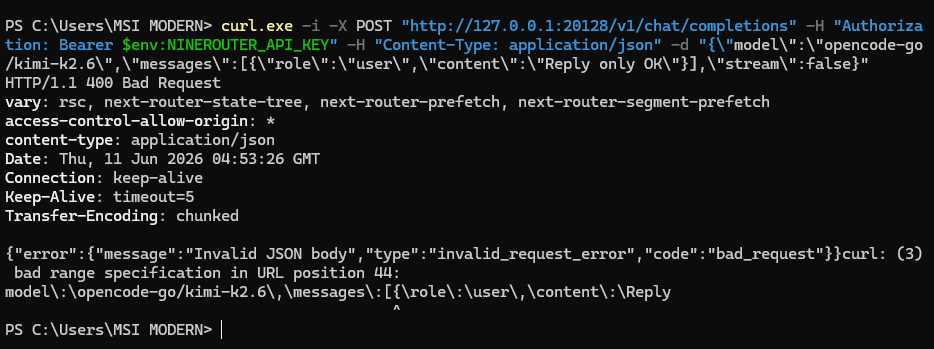
Then I tested with curl.exe and a different model name:
curl.exe -i -X POST "http://127.0.0.1:20128/v1/chat/completions" `
  -H "Authorization: Bearer $env:NINEROUTER_API_KEY" `
  -H "Content-Type: application/json" `
  -d "{\"model\":\"opencode-go/kimi-k2.6\",\"messages\":[{\"role\":\"user\",\"content\":\"Reply only OK\"}],\"stream\":false}"
The request reached the router, but it still did not produce the expected success response.
The useful lesson was the debugging method:
Check that 9Router is running.
Check
/v1/models.Compare the exact model IDs with the dashboard.
Put those exact IDs into
opencode.json.Restart OpenCode.
Fix the Windows Config
The dashboard showed the OpenCode Free model IDs I should have used.
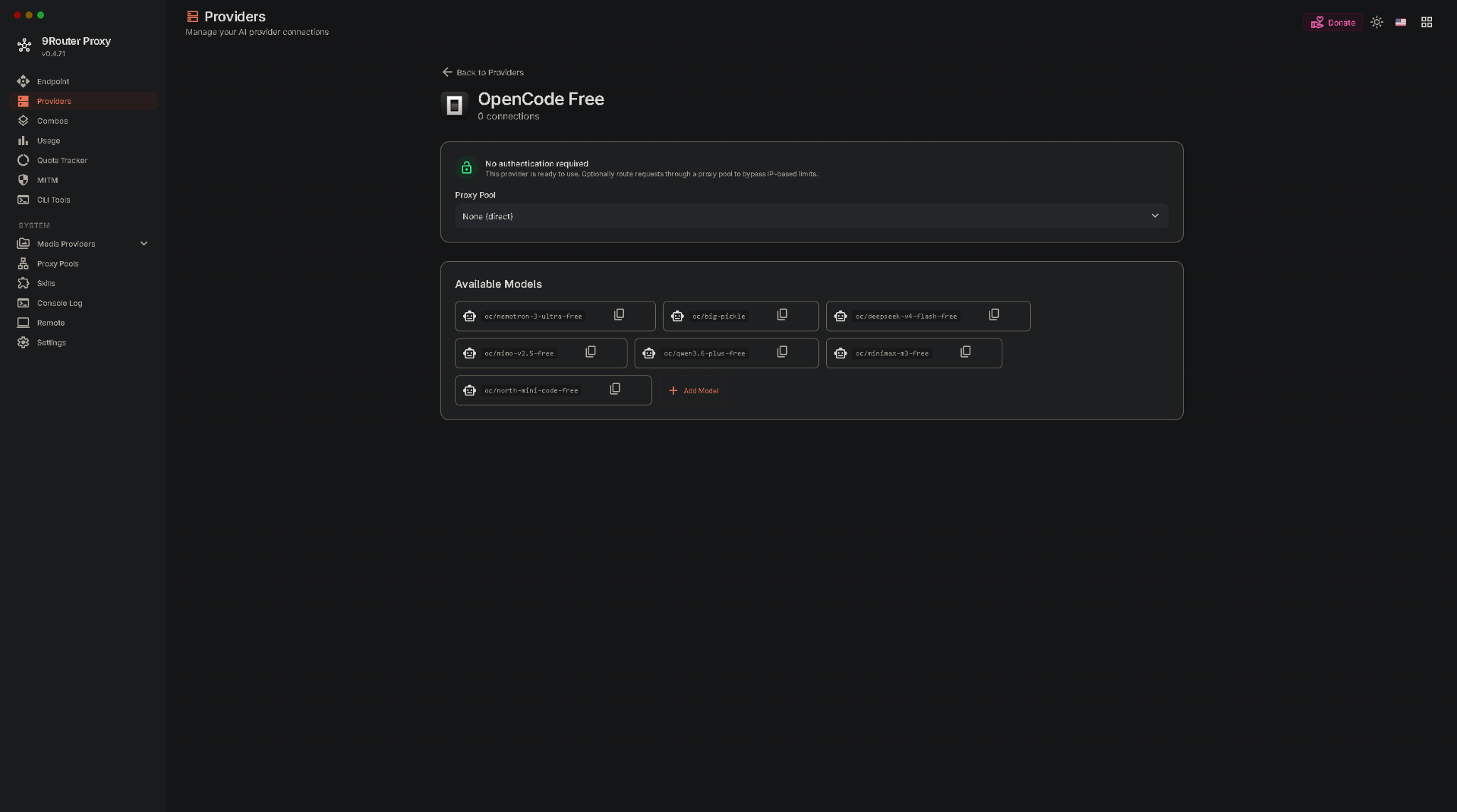
So I updated opencode.json to use those exact model IDs:
{
  "$schema": "https://opencode.ai/config.json",
  "provider": {
    "9router": {
      "npm": "@ai-sdk/openai-compatible",
      "name": "Local 9Router",
      "options": {
        "baseURL": "http://127.0.0.1:20128/v1",
        "apiKey": "{env:NINEROUTER_API_KEY}"
      },
      "models": {
        "oc/deepseek-v4-flash-free": {
          "name": "DeepSeek V4 Flash Free via 9Router"
        },
        "oc/nemotron-3-ultra-free": {
          "name": "Nemotron 3 Ultra Free via 9Router"
        },
        "oc/mimo-v2.5-free": {
          "name": "MiMo V2.5 Free via 9Router"
        }
      }
    }
  },
  "model": "9router/oc/deepseek-v4-flash-free",
  "small_model": "9router/oc/deepseek-v4-flash-free",
  "agent": {
    "build": {
      "model": "9router/oc/deepseek-v4-flash-free"
    },
    "plan": {
      "model": "9router/oc/deepseek-v4-flash-free"
    }
  },
  "permission": {
    "edit": "ask",
    "bash": "ask"
  }
}
After restarting OpenCode, the model loaded correctly.
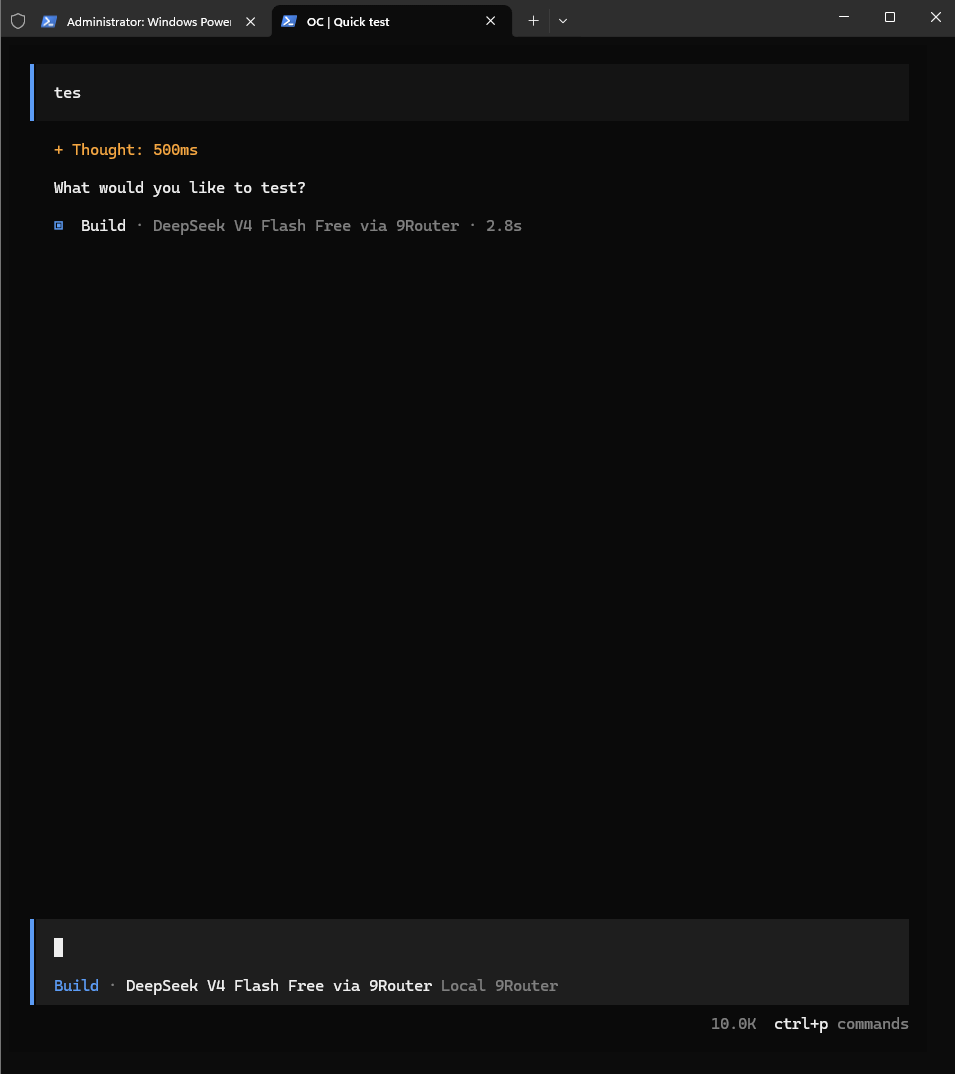
The mistake was not the local endpoint. The endpoint was right:
http://127.0.0.1:20128/v1
The mistake was the model mapping. I configured a model alias that OpenCode could read, but the model ID did not match what 9Router exposed for the connected OpenCode Free provider.
Part 2: VPS Private Setup
After the Windows setup worked, I moved the same idea to a VPS. The goal changed slightly: I wanted a private server-side 9Router process managed by PM2, with the dashboard available only through SSH tunneling.
Prepare the VPS
I started from SSH as root:
ssh root@YOUR_VPS_IP
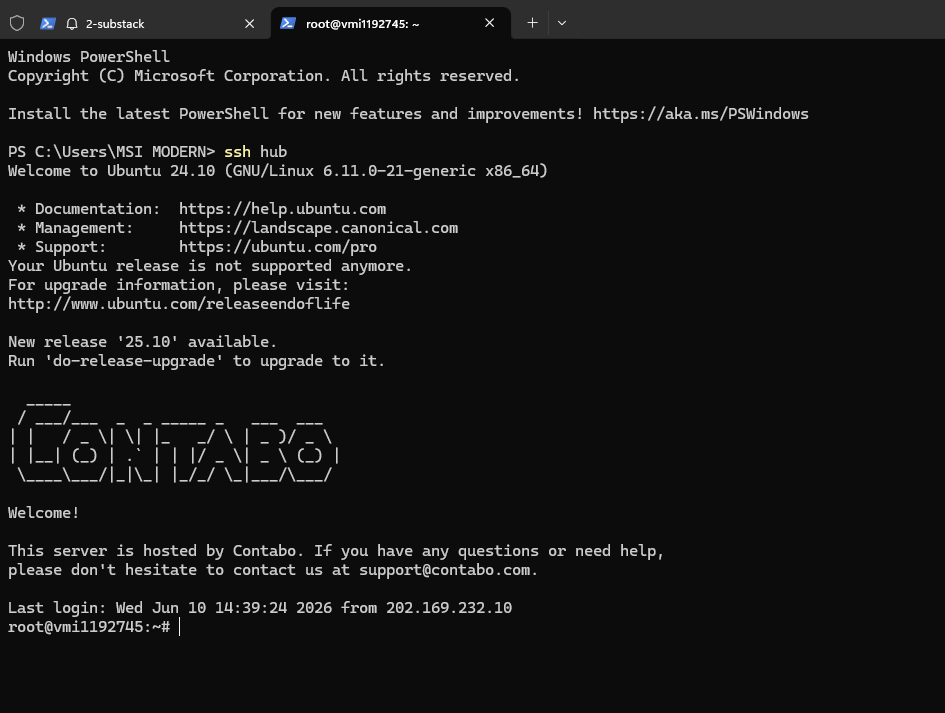
Then I installed the basic build and Node.js tooling:
apt update && apt upgrade -y
apt install -y curl git build-essential
curl -fsSL https://deb.nodesource.com/setup_22.x | bash -
apt install -y nodejs
node -v
npm -v
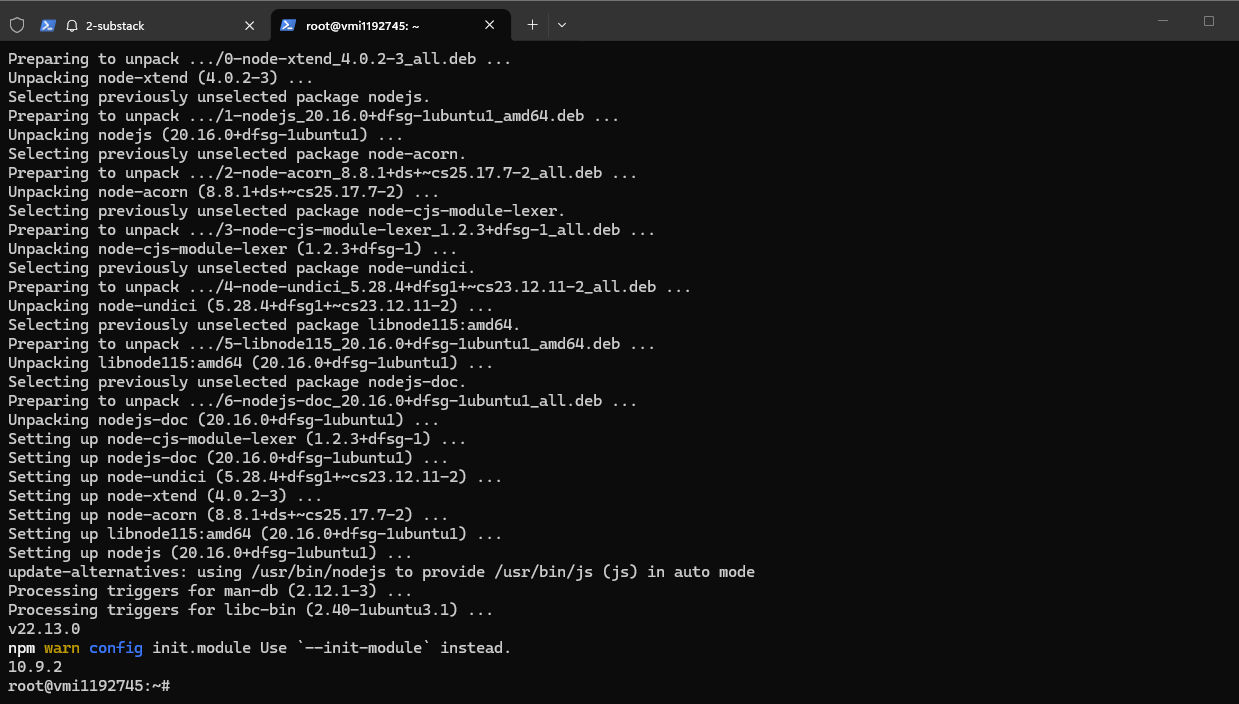
This matters because 9Router is a Node.js app. If Node, npm, or native build tooling is broken, debugging 9Router itself is wasted time.
First Attempt: Global 9Router
I first tried the simple global install:
npm install -g 9router pm2
9router
From another SSH session, I checked whether the OpenAI-compatible endpoint responded:
curl http://127.0.0.1:20128/v1/models
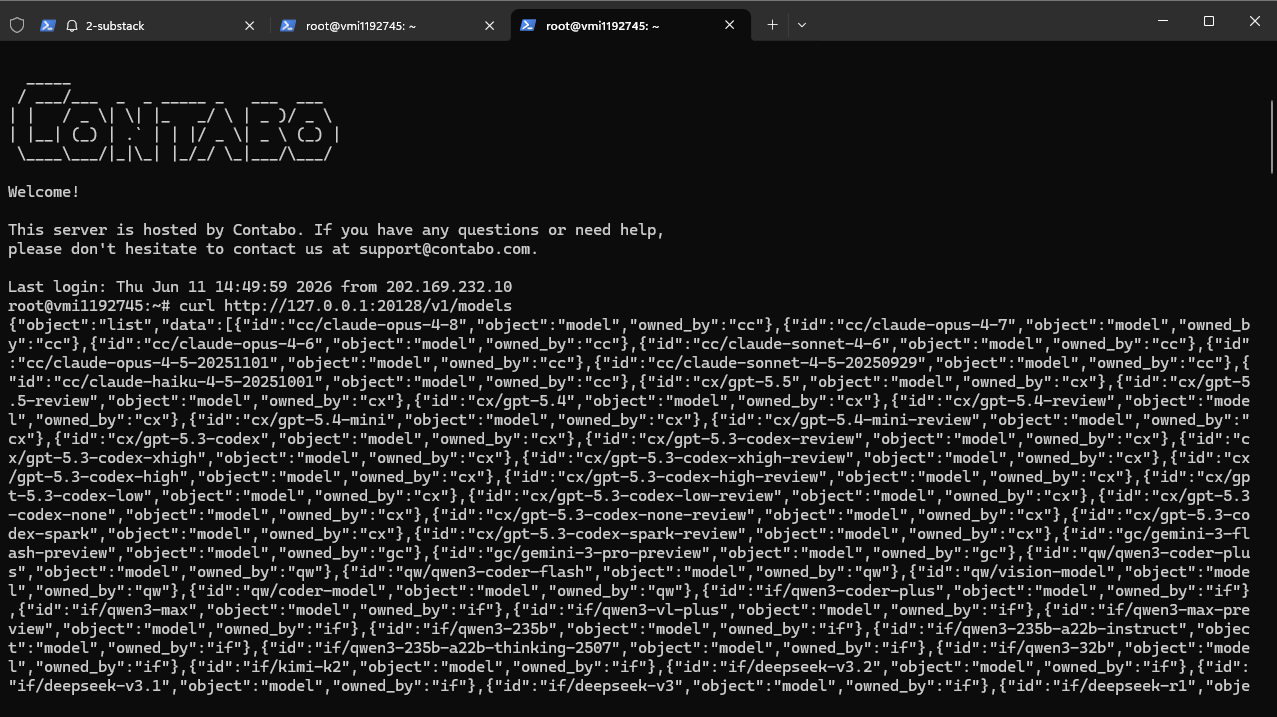
At this stage the service worked interactively. The next step was keeping it alive with PM2.
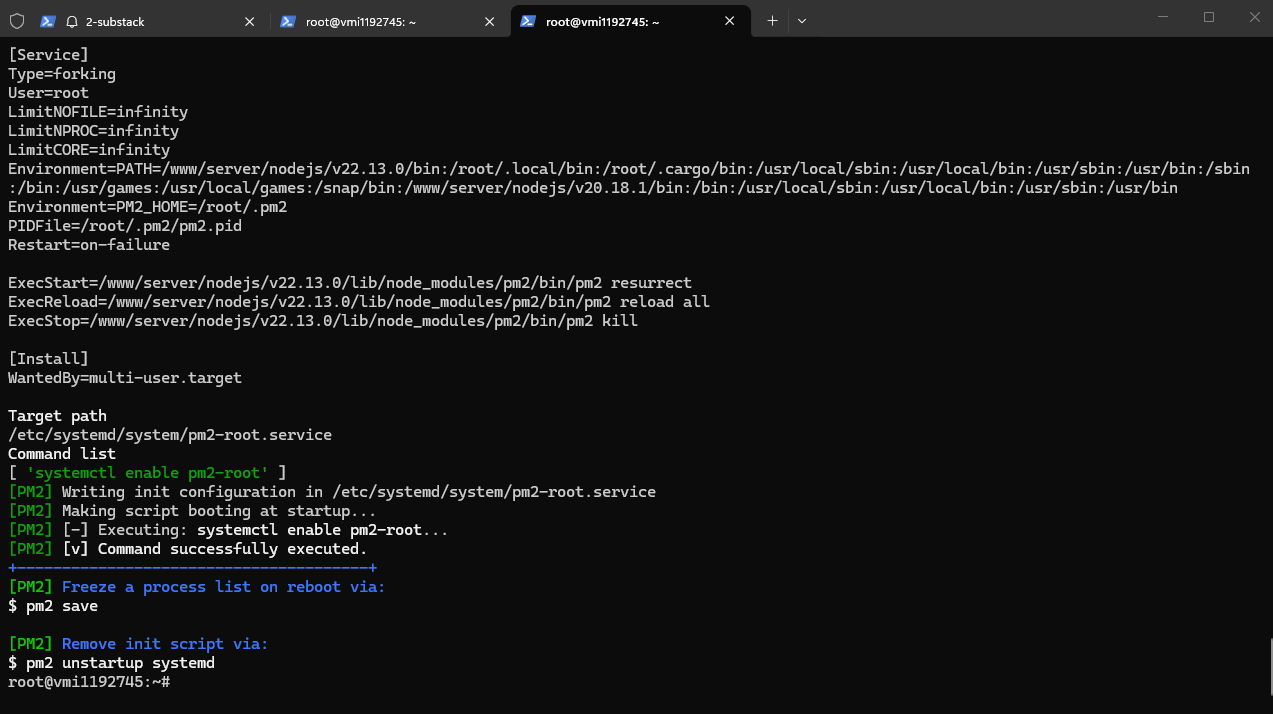
pm2 start 9router --name 9router
pm2 save
pm2 startup
pm2 status

Dashboard Access Through SSH Tunnel
From Windows, I used local port forwarding:
ssh -N -L 20129:127.0.0.1:20128 root@YOUR_VPS_IP
Then I opened:
http://127.0.0.1:20129/dashboard
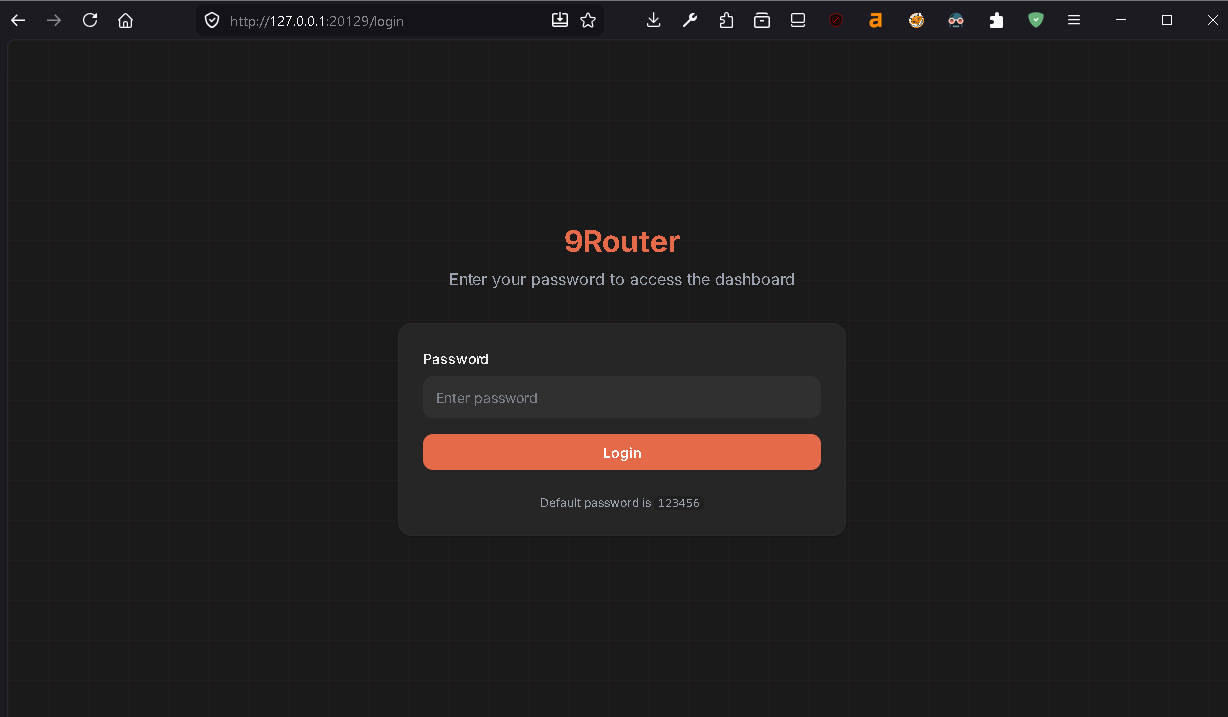
The dashboard loaded, but login failed.
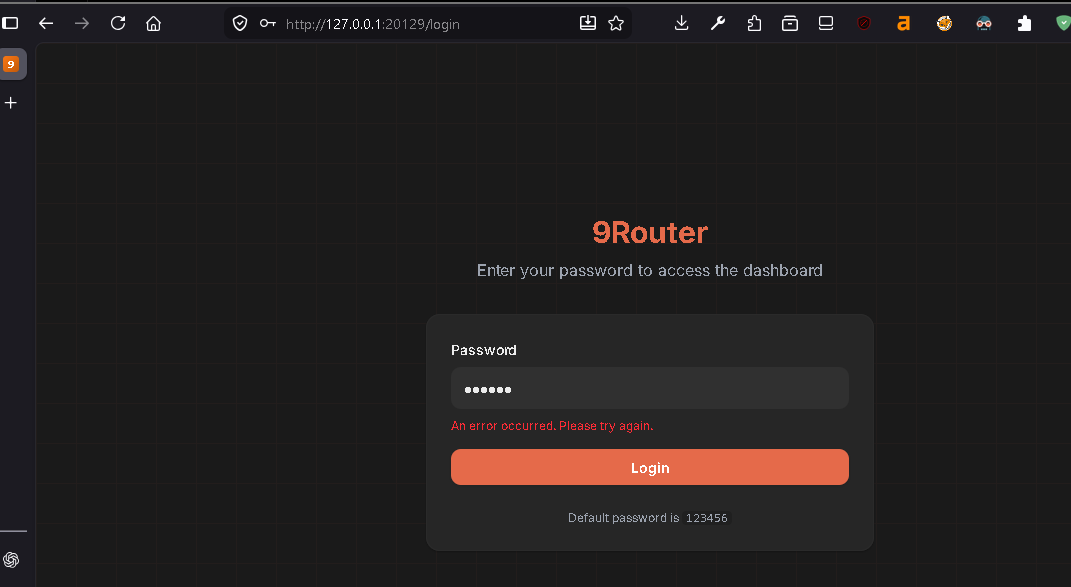
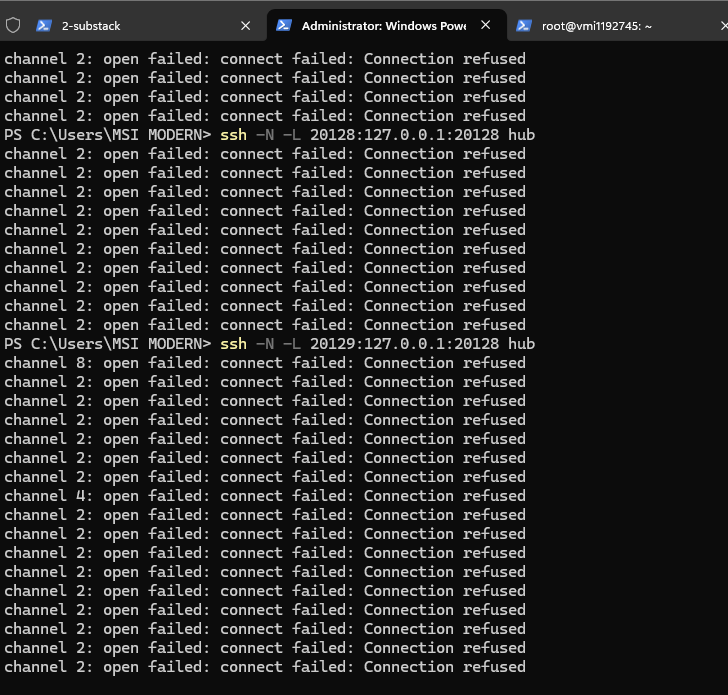
That told me the tunnel was working. The issue was the server-side app state or runtime, not the browser path.
Rebuild 9Router From Source
I checked PM2 logs:
pm2 logs 9router --lines 100
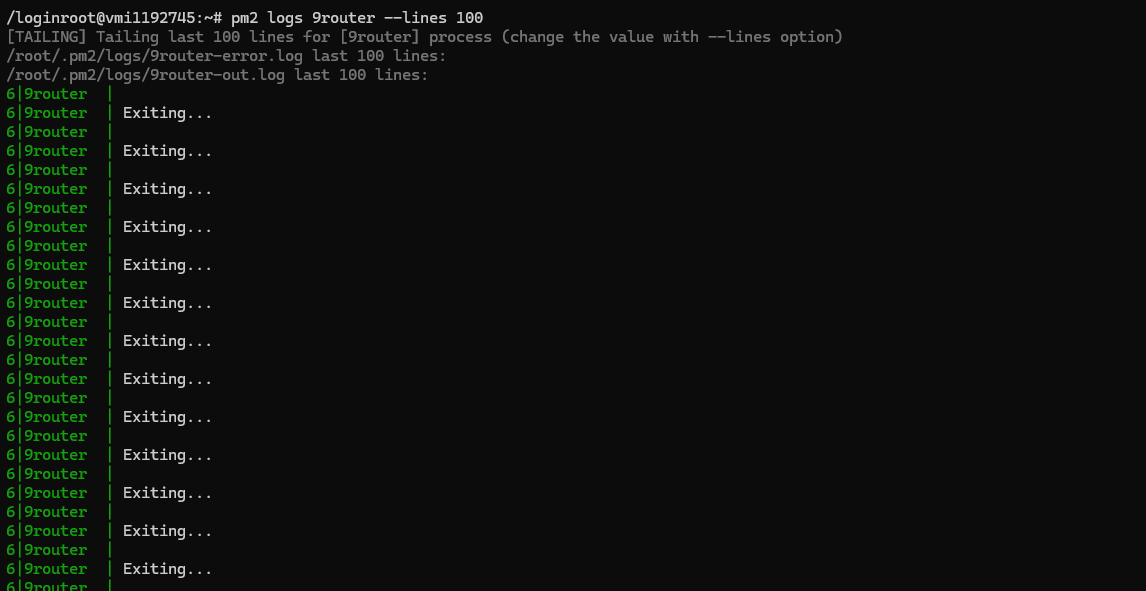
The global command was not a good long-running service in this environment. I removed it and rebuilt from source:
pm2 delete 9router
npm uninstall -g 9router

cd /opt
git clone https://github.com/decolua/9router.git
cd /opt/9router
npm install
npm run build
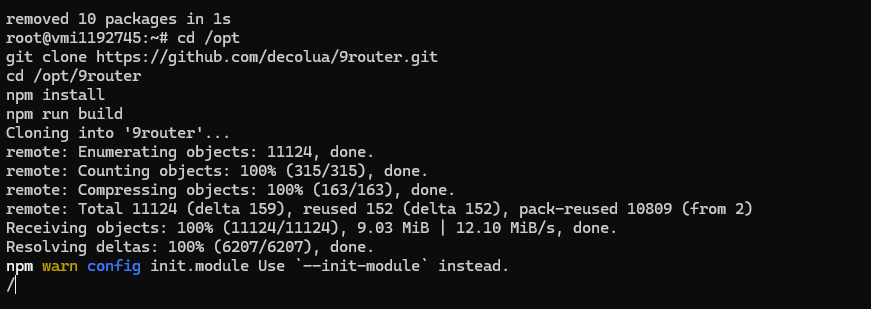
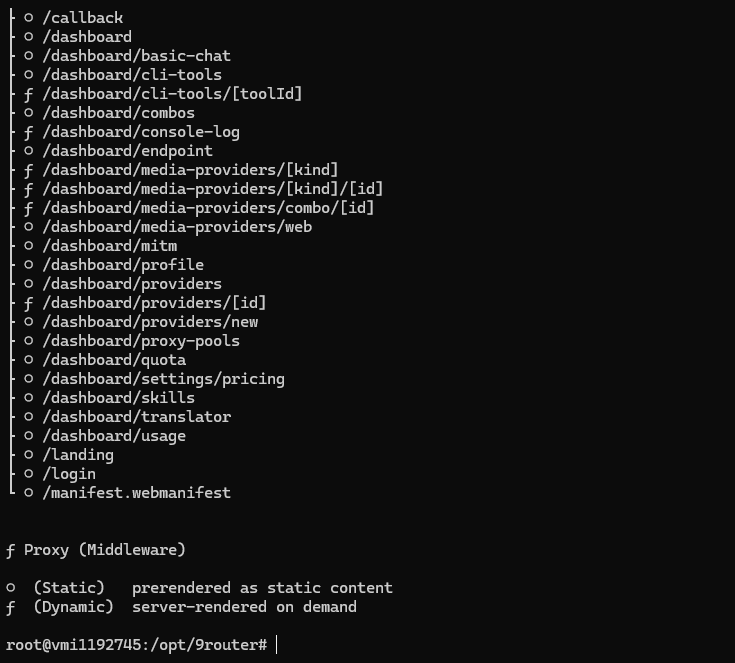
The source install gave me a stable working directory for PM2 and an explicit environment config.
PM2 Ecosystem Config
I created:
nano /opt/9router/ecosystem.config.cjs
Use your own strong secrets. Do not reuse the placeholders below:
module.exports = {
  apps: [
    {
      name: "9router",
      cwd: "/opt/9router",
      script: "npm",
      args: "run start",
      env: {
        NODE_ENV: "production",
        PORT: "20128",
        HOSTNAME: "127.0.0.1",
        BASE_URL: "http://127.0.0.1:20128",
        NEXT_PUBLIC_BASE_URL: "http://127.0.0.1:20128",
        DATA_DIR: "/var/lib/9router",
        INITIAL_PASSWORD: "CHANGE_THIS_PASSWORD",
        JWT_SECRET: "CHANGE_THIS_LONG_RANDOM_SECRET",
        API_KEY_SECRET: "CHANGE_THIS_LONG_RANDOM_SECRET",
        MACHINE_ID_SALT: "CHANGE_THIS_LONG_RANDOM_SECRET"
      }
    }
  ]
}
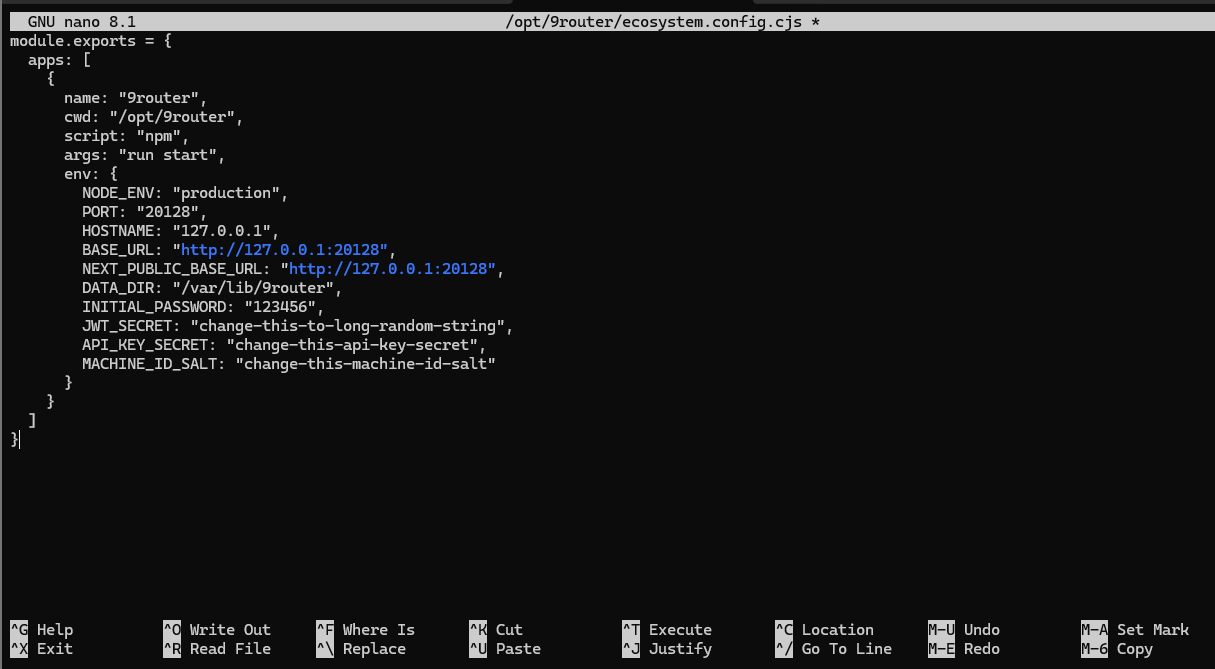
Then I created the data directory and started the process:
mkdir -p /var/lib/9router
pm2 start /opt/9router/ecosystem.config.cjs
pm2 save
pm2 status

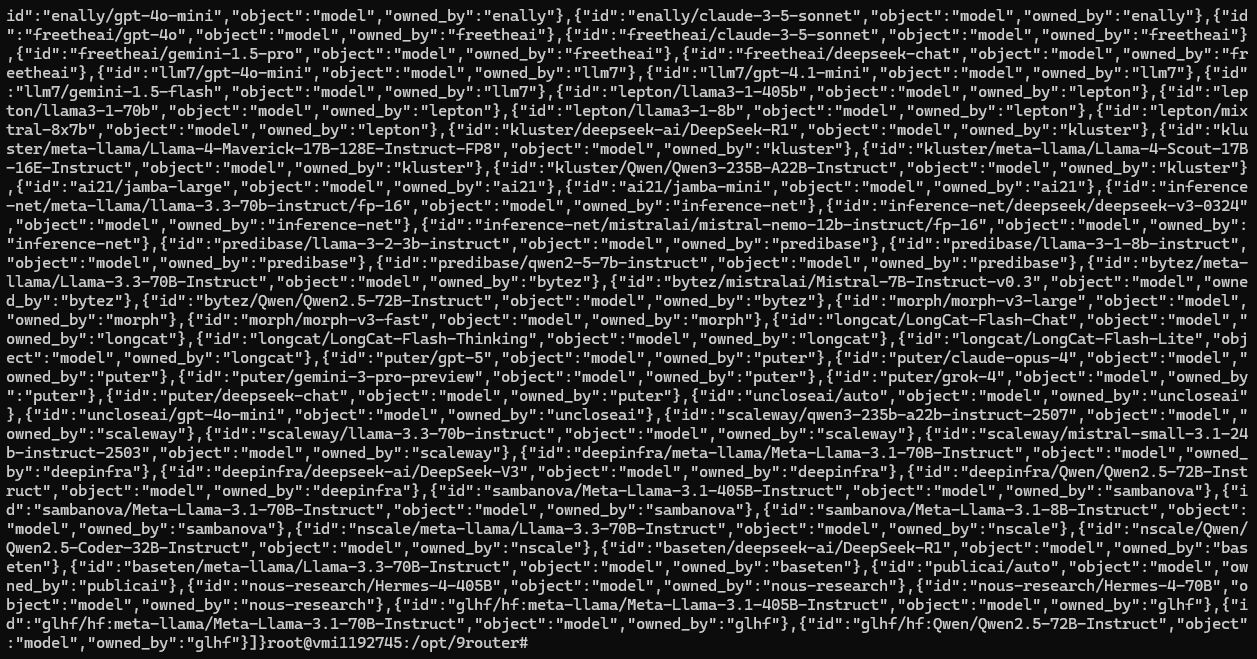
I checked both the login page and the API path:
curl -i http://127.0.0.1:20128/login
curl -i http://127.0.0.1:20128/v1/models
Create the API Key
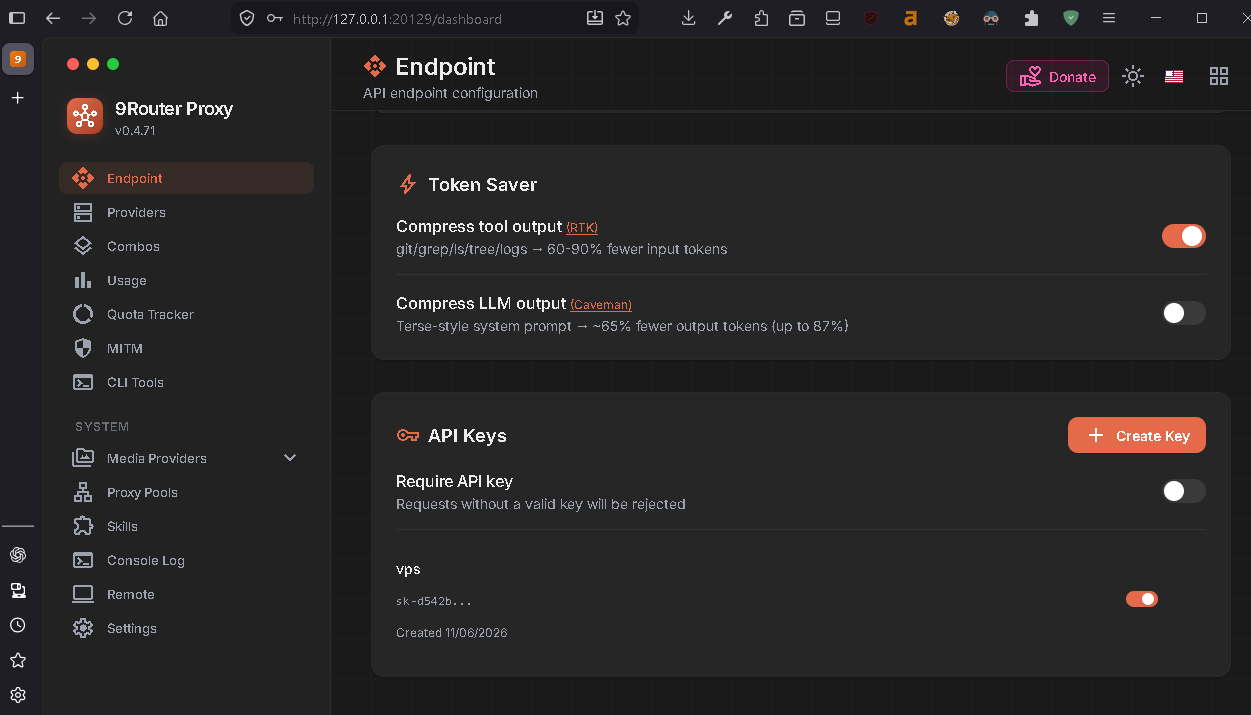
With the SSH tunnel open again, the dashboard was reachable from my browser:
ssh -N -L 20129:127.0.0.1:20128 root@YOUR_VPS_IP
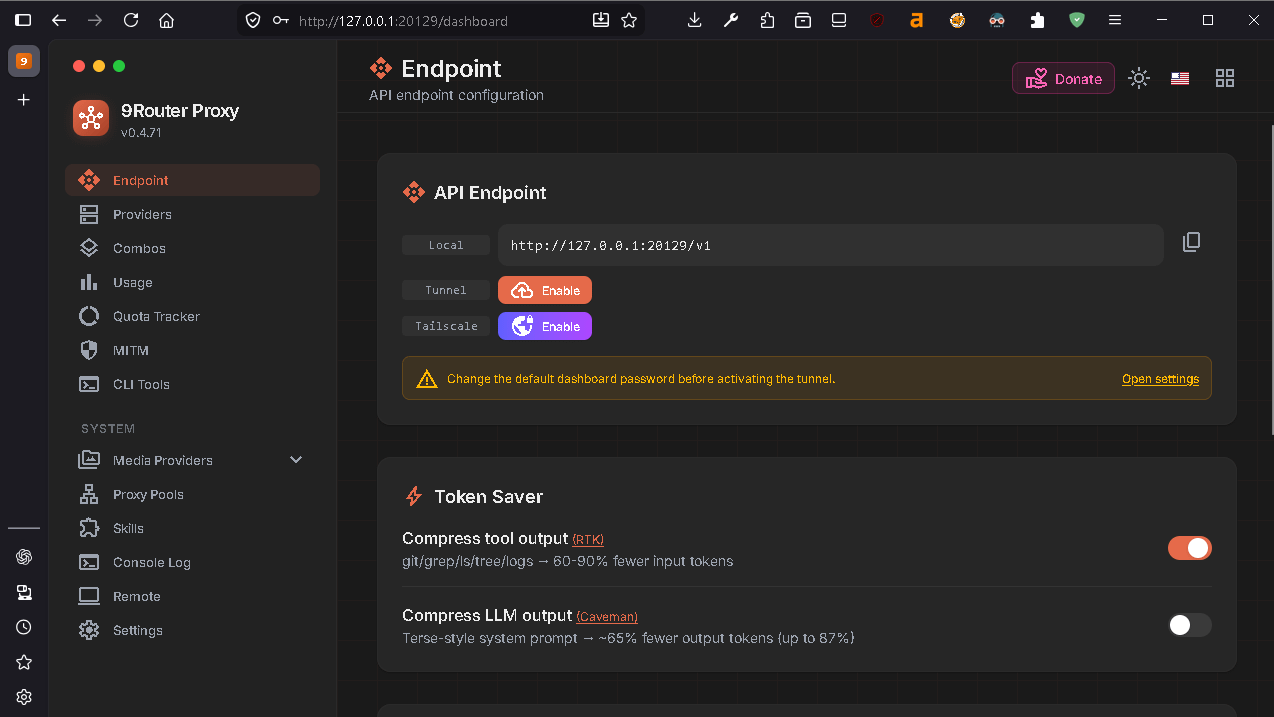
In the dashboard, I opened the endpoint/API key page and created a key.
Install and Test OpenCode on the VPS
On the VPS:
npm install -g opencode-ai
opencode --version

I stored the key in the shell environment:
nano ~/.bashrc
export NINEROUTER_API_KEY="PASTE_YOUR_9ROUTER_KEY"
Then:
source ~/.bashrc
echo $NINEROUTER_API_KEY
Do not print real keys in screenshots or public logs. I only use placeholders in this article.
Before touching OpenCode config, I tested chat completion directly:
curl -s -X POST "http://127.0.0.1:20128/v1/chat/completions" \
  -H "Authorization: Bearer $NINEROUTER_API_KEY" \
  -H "Content-Type: application/json" \
  -d '{"model":"oc/deepseek-v4-flash-free","messages":[{"role":"user","content":"Reply only OK"}],"stream":false}'

That test matters. If it fails, OpenCode will fail too.
VPS OpenCode Config
I created the OpenCode config:
mkdir -p ~/.config/opencode
nano ~/.config/opencode/opencode.json
{
  "$schema": "https://opencode.ai/config.json",
  "provider": {
    "9router": {
      "npm": "@ai-sdk/openai-compatible",
      "name": "Local 9Router",
      "options": {
        "baseURL": "http://127.0.0.1:20128/v1",
        "apiKey": "{env:NINEROUTER_API_KEY}"
      },
      "models": {
        "oc/deepseek-v4-flash-free": {
          "name": "DeepSeek V4 Flash Free via 9Router",
          "limit": {
            "context": 64000,
            "output": 8192
          }
        },
        "oc/nemotron-3-ultra-free": {
          "name": "Nemotron 3 Ultra Free via 9Router",
          "limit": {
            "context": 64000,
            "output": 8192
          }
        },
        "oc/mimo-v2.5-free": {
          "name": "MiMo V2.5 Free via 9Router",
          "limit": {
            "context": 64000,
            "output": 8192
          }
        }
      }
    }
  },
  "model": "9router/oc/deepseek-v4-flash-free",
  "small_model": "9router/oc/deepseek-v4-flash-free",
  "permission": {
    "edit": "ask",
    "bash": "ask"
  }
}
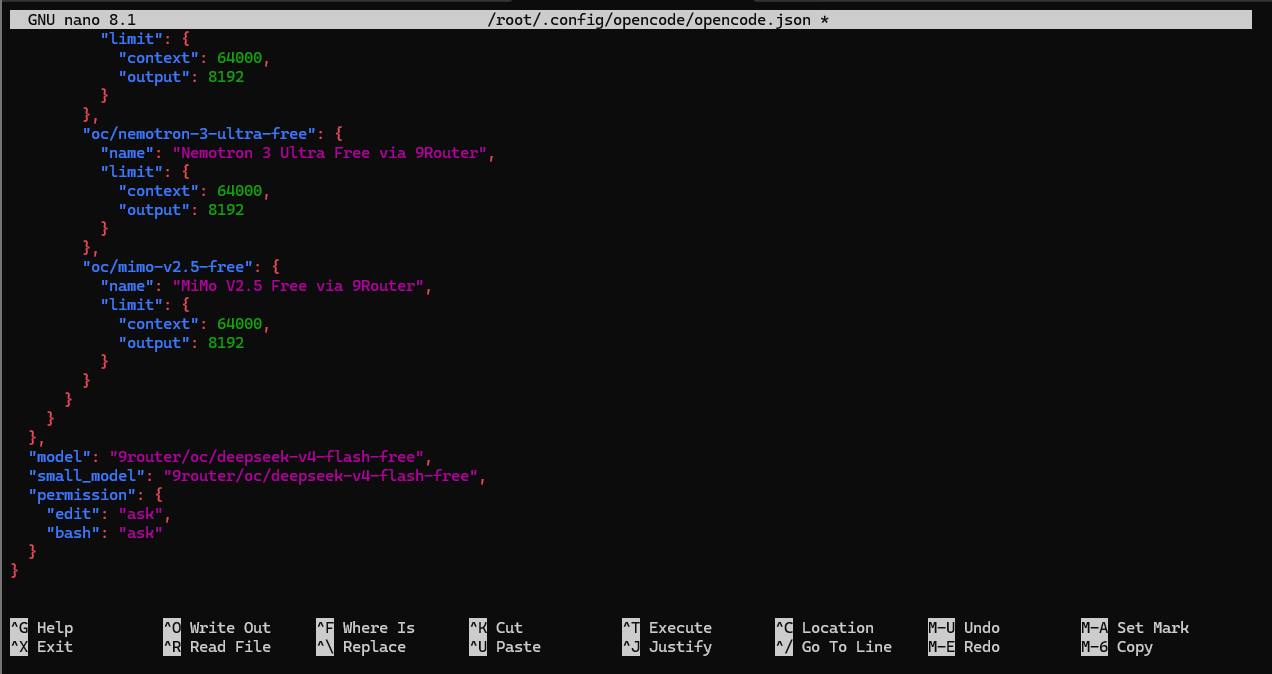
The important parts are:
baseURLpoints to 9Router on loopbackapiKeyreads fromNINEROUTER_API_KEYthe model IDs match what 9Router exposes
permission.editandpermission.bashstay onask
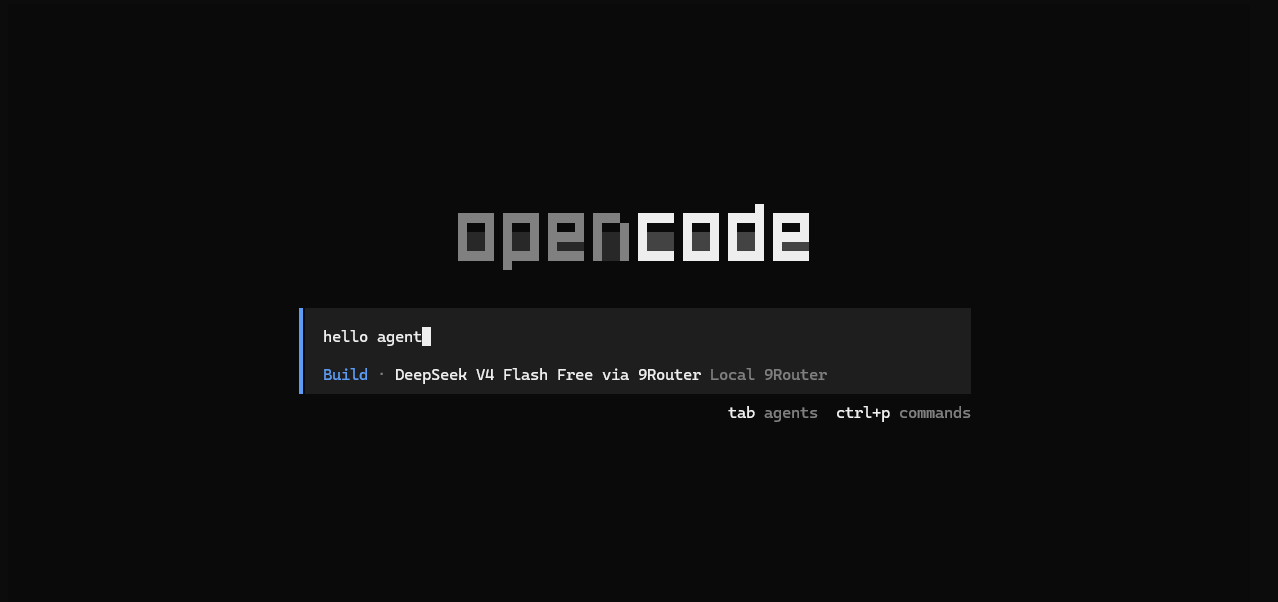
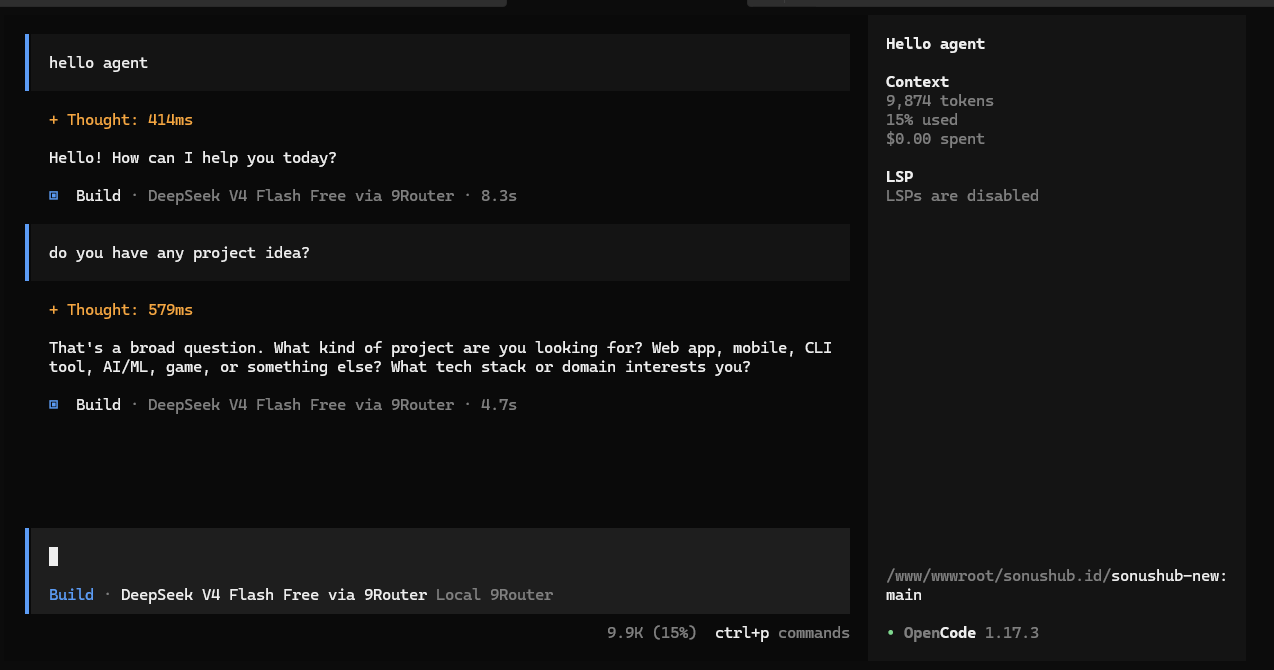
Finally, I ran OpenCode from the project folder:
cd /www/wwwroot/yourproject
opencode
For a more aggressive mode, OpenCode can be configured with permissive permissions, but I would avoid that on a VPS unless the repository is disposable and backed up.
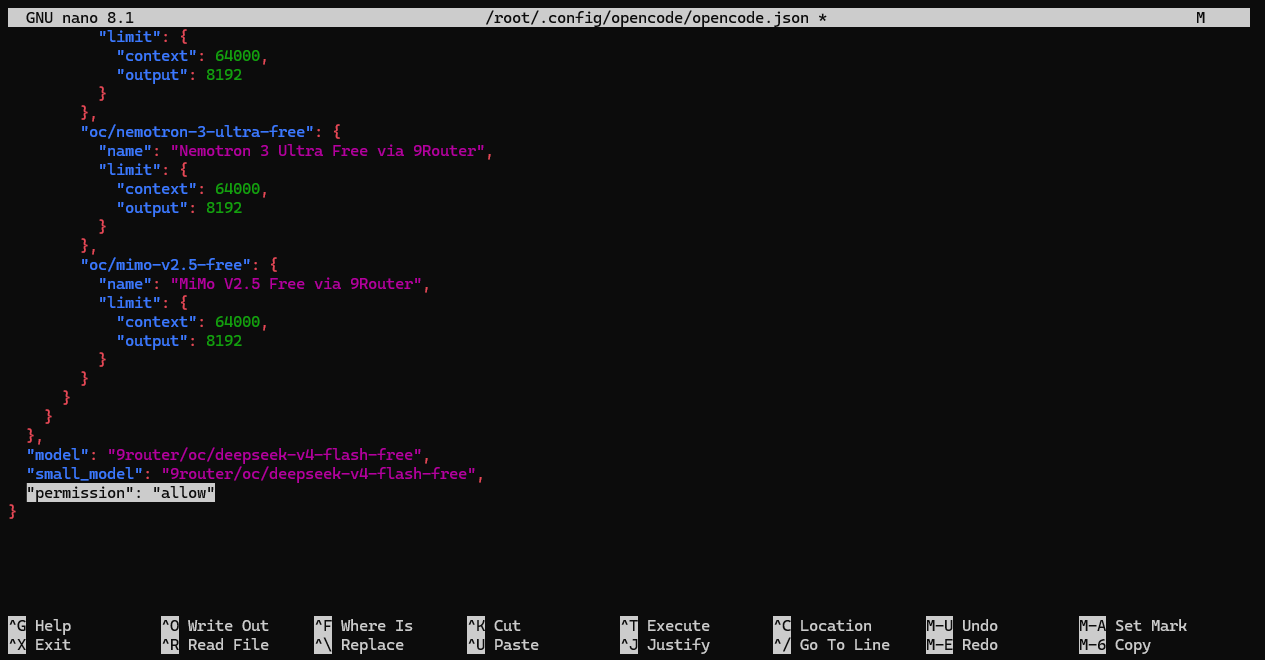
The safer default for this server setup is:
"permission": {
  "edit": "ask",
  "bash": "ask"
}
What I Would Check First Next Time
For Windows:
Confirm
node -vandnpm -v.Start 9Router and open
http://localhost:20128/dashboard.Connect the provider.
Create a local API key.
Store it in
NINEROUTER_API_KEY.Query
http://127.0.0.1:20128/v1/models.Copy exact model IDs into
opencode.json.Restart OpenCode.
For VPS:
Bind 9Router to
127.0.0.1.Use SSH tunneling for dashboard access.
Use PM2 with an explicit ecosystem config.
Keep secrets in environment variables.
Test
/v1/modelsand/v1/chat/completionsbefore debugging OpenCode.Run OpenCode from the project folder.
Keep
editandbashpermissions onask.
The shared lesson is simple: OpenAI-compatible tools need three values to line up exactly:
base URL
API key
model ID
If any one of those is wrong, the error can look like a provider issue even when the local router is working.
Conclusion
9Router worked as the bridge in both environments. OpenCode worked as the coding assistant. The broken part in the Windows setup was my model ID assumption. The fragile part in the VPS setup was treating an interactive global command like a long-running service.
The stable pattern is to make the boundary explicit. On Windows, keep the router local and copy the exact model IDs. On a VPS, keep 9Router on loopback, reach the dashboard through SSH, let PM2 own the process, and test the local API path before opening OpenCode.
Thanks for reading. See you in the next lab.