

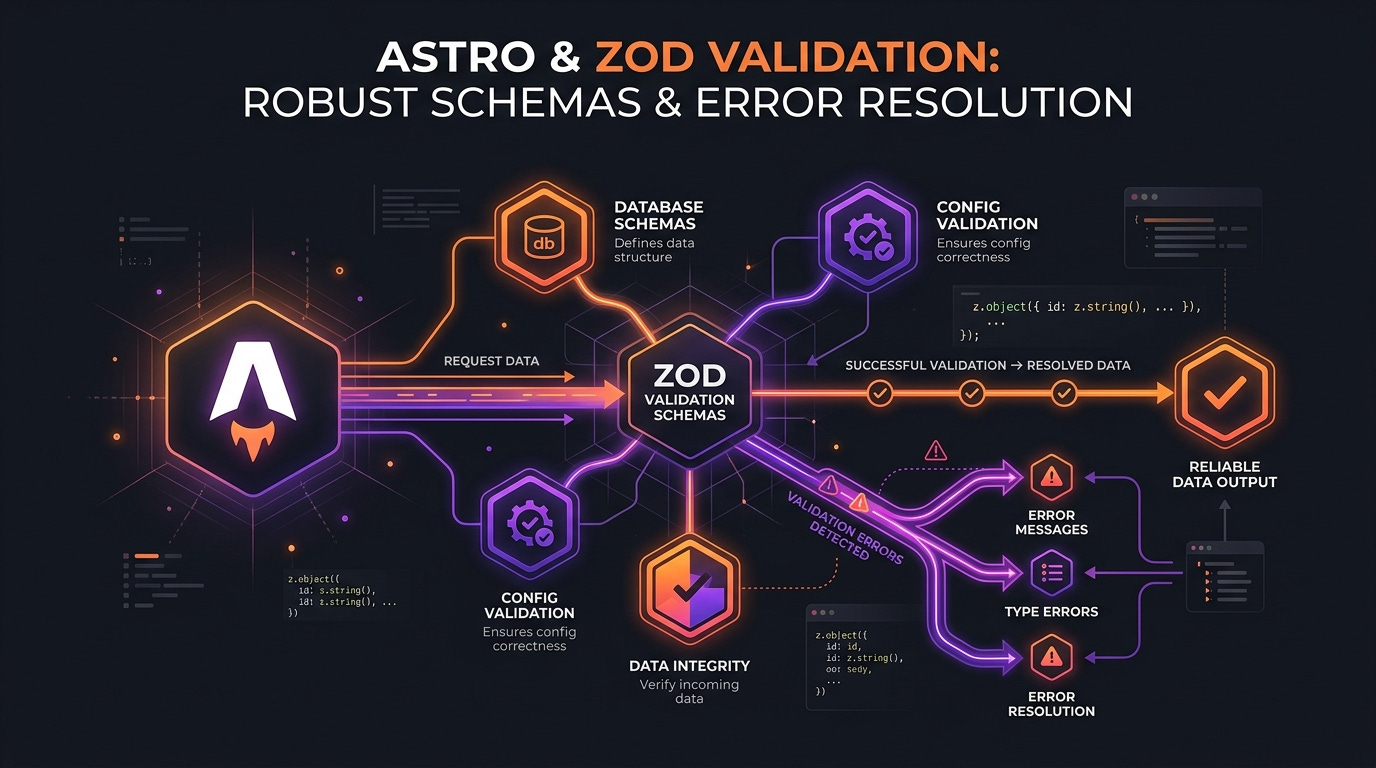
Earlier this year, while configuring Content Security Policy (CSP) options for my apps, I ran into a cryptic configuration error in the Astro framework. To help other developers, I submitted a pull request directly to the Astro core repository: docs(csp): improve validation messages for directives (withastro/astro#16685) which successfully closes issue #16663.
Here is a full technical walkthrough of the problem, the codebase implementation, and what I learned from contributing to a major open-source project.
The Problem: Cryptic Zod Union Errors
Astro uses the Zod library to define and validate its configuration schema. Zod is excellent for validating structures, but it can struggle with user-friendly messages when checking union types.
In Astro's security configuration, users can define CSP directives in security.csp.directives. However, because of how browser parsers behave, the directives script-src and style-src must be handled separately using dedicated options like security.csp.scriptDirective and security.csp.styleDirective.
If a developer mistakenly placed script-src directly into the general directives array like this:
// astro.config.mjs
export default defineConfig({
  security: {
    csp: {
      directives: ["script-src 'self'"]
    }
  }
});
Astro's validation engine would output a frustratingly vague error:
[config] Astro found issue(s) with your configuration:
! security.csp: Did not match union.
This occurred because the configuration schema evaluated the input against a union of valid directives and fell back to the generic Zod union error, leaving the developer with no indication of what went wrong or how to fix it.
The Solution: Refactoring Zod Schema & Custom Error Maps
To resolve the issue and provide clear, actionable instructions, we had to apply a two-step surgical update to the Astro core package.
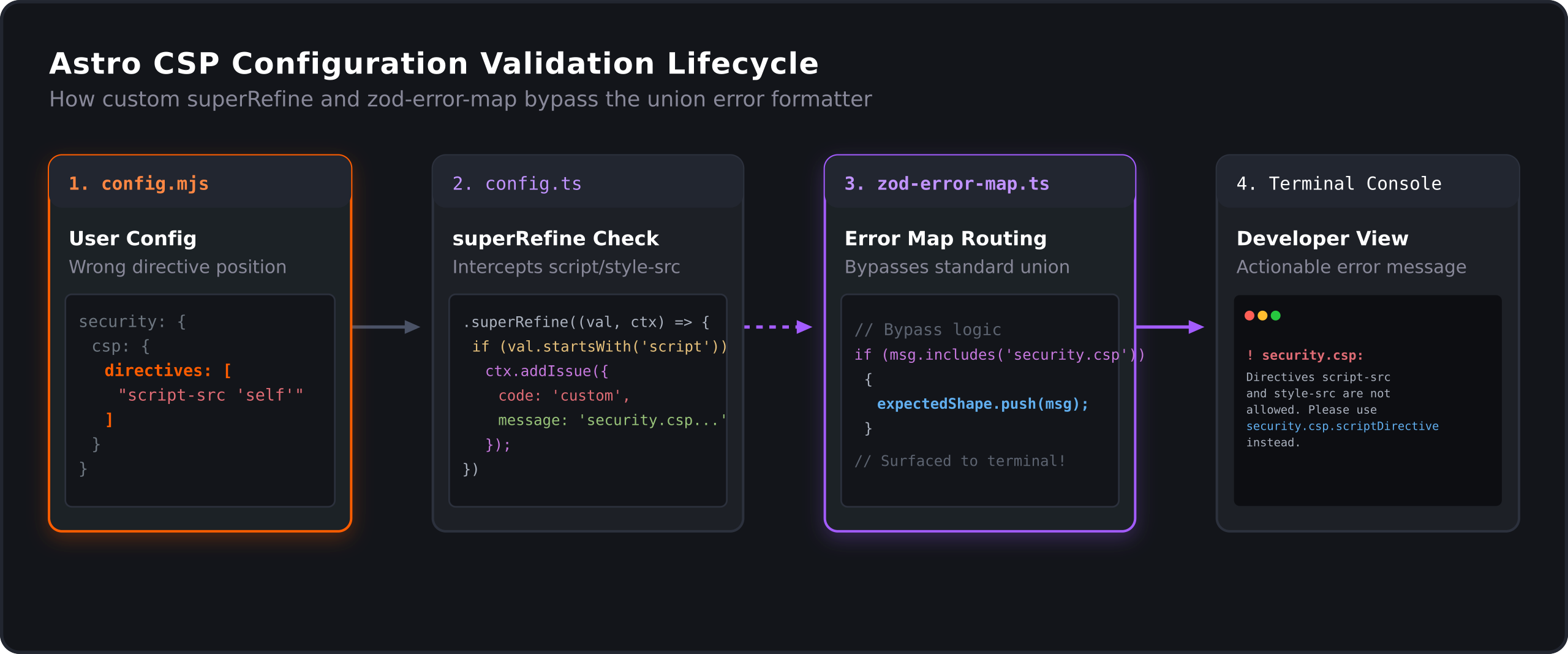
Figure 1: The lifecycle flow of a custom configuration validation error traversing the schema and zod-error-map.
1. Refactoring schema validation with superRefine
In packages/astro/src/core/csp/config.ts, the original schema for checking allowed directives was a simple z.custom returning a boolean check:
export const allowedDirectivesSchema = z.custom<CspDirective>((value) => {
  if (typeof value !== 'string') {
    return false;
  }
  return ALLOWED_DIRECTIVES.some((allowedValue) => {
    return value.startsWith(allowedValue);
  });
});
I refactored this validator to use .superRefine. This allowed us to inspect the invalid inputs and attach distinct custom issues depending on the specific error context:
export const allowedDirectivesSchema = z.custom<CspDirective>((v) => typeof v === 'string').superRefine(
  (value, ctx) => {
    const isAllowed = ALLOWED_DIRECTIVES.some((allowedValue) => {
      return value.startsWith(allowedValue);
    });
    if (!isAllowed) {
      if (value.startsWith('script-src') || value.startsWith('style-src')) {
        ctx.addIssue({
          code: z.ZodIssueCode.custom,
          message: `Directives \`script-src\` and \`style-src\` are not allowed in \`security.csp.directives\`. Please use \`security.csp.scriptDirective\` and \`security.csp.styleDirective\` instead.`,
          fatal: true,
        });
      } else {
        ctx.addIssue({
          code: z.ZodIssueCode.custom,
          message: `Invalid directive: "${value}". Allowed directives are: ${ALLOWED_DIRECTIVES.join(', ')}`,
          fatal: true,
        });
      }
    }
  },
);
2. Surfacing custom messages in zod-error-map.ts
Even with superRefine adding the custom issues, Zod's default union error formatter would still swallow the custom messages during validation formatting.
To fix this, we updated Astro's custom Zod error formatter in packages/astro/src/core/errors/zod-error-map.ts. We intercepted custom issue codes containing security.csp and directly pushed the custom messages to the expected error shape array:
if (
  _issue.code === 'custom' &&
  _issue.message &&
  _issue.message.includes('security.csp')
) {
  expectedShape.push(_issue.message);
} else if ('expected' in _issue && typeof _issue.expected === 'string') {
  expectedShape.push(
    relativePath ? `${relativePath}: ${_issue.expected}` : _issue.expected,
  );
}
This bypasses the union-flattening logic, successfully outputting our clean, helpful instructions to the developer's console.
Testing the Validation
To ensure the new error mapping behaves correctly, I added a new unit test in packages/astro/test/units/config/config-validate.test.ts:
it('should provide a helpful error message when script-src or style-src is used in directives', async () => {
  const configError = await validateConfig({
    security: {
      csp: {
        directives: ["script-src 'self'"],
      },
    },
  }).catch((err) => err);

  const formattedError = stripVTControlCharacters(formatConfigErrorMessage(configError));
  assert.equal(
    formattedError,
    `[config] Astro found issue(s) with your configuration:\n\n! security.csp: Did not match union.\n  > Expected type boolean | Directives script-src and style-src are not allowed in security.csp.directives. Please use security.csp.scriptDirective and security.csp.styleDirective instead.\n  > Received { "directives": [ "script-src 'self'" ] }`,
  );
});
The test runs a config validation, formats the message, strips terminal coloring control characters, and asserts that our specific help instruction is rendered perfectly alongside the union error representation.
Contribution Takeaways
Contributing to Astro's core was a fantastic experience. The codebase is clean, well-tested, and uses changesets to automate package version patches. Because this validation error directly affects DX (Developer Experience), it was merged quickly and rolled out in a patch release, resolving configuration confusion for thousands of developers worldwide.
Thanks for reading. See you in the next lab.