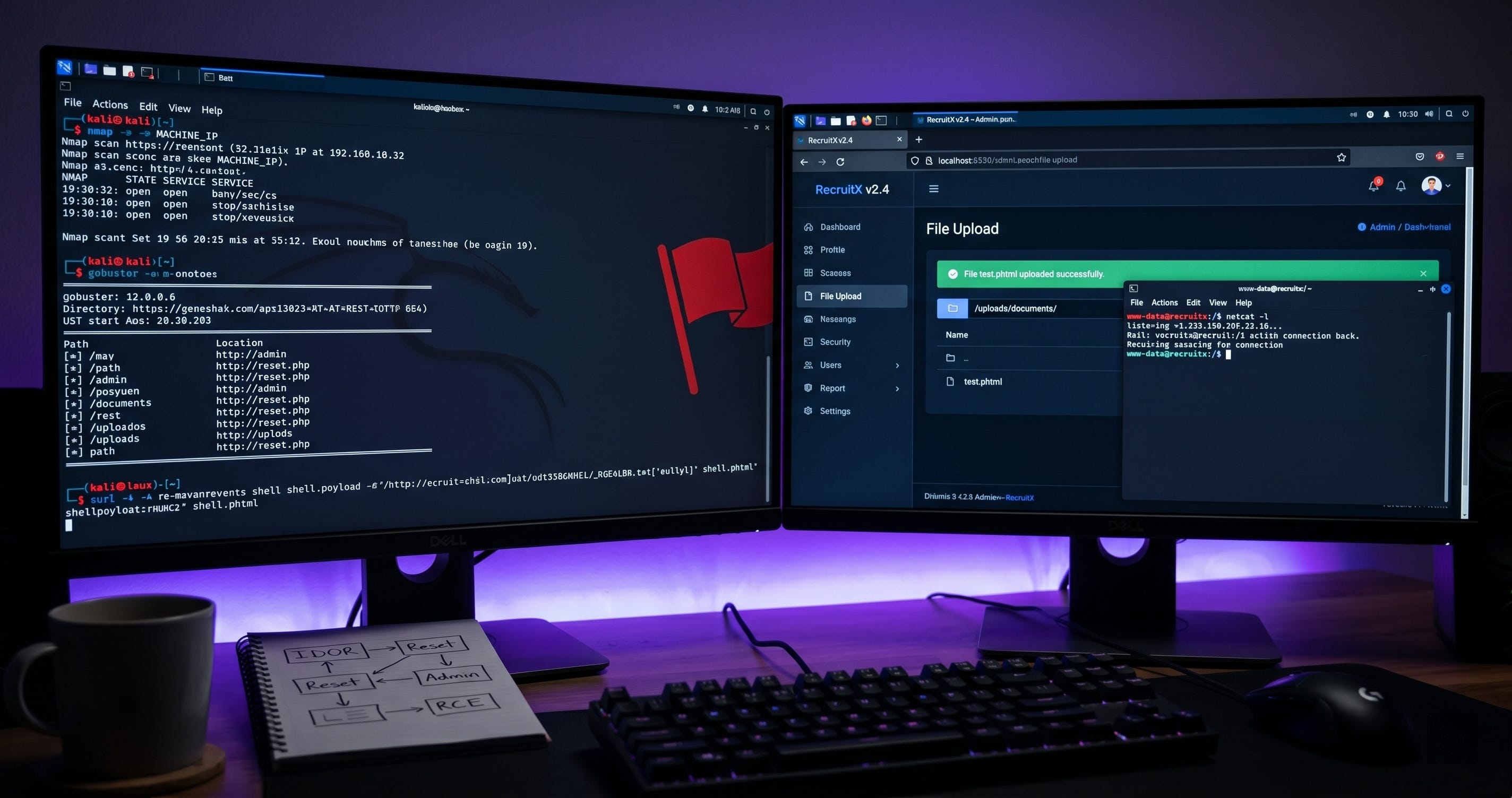
Guided Pentest: Web | TryHackMe Write-up
Wakthrough for Guided Pentest: Web TryHackme room. Learn web app pentesting by chaining vulnerabilities from recon to full server compromise.
This is my write-up for the TryHackMe room on Guided Pentest: Web. Written in 2026, I hope this write-up helps others learn and practice cybersecurity.
Task 1: Introduction
This section introduces the RecruitX web application penetration testing scenario, outlining the methodology from initial reconnaissance through to achieving remote code execution.
I can access the RecruitX web app.
No answer needed
Task 2: Reconnaissance and Enumeration
The initial reconnaissance phase covers port scanning with Nmap to identify running services, inspecting HTTP headers, and using Gobuster to discover hidden directories and exposed API endpoints.
What version of the Apache server is running?
2.4.58
What database service is running on the target?
mysql
What is the path to the password reset page?
/reset [dot] php
Task 3: IDOR
This task demonstrates how to identify and leverage an Insecure Direct Object Reference (IDOR) vulnerability to enumerate user accounts and extract the administrator's sensitive details.
What is the name of the administrator user?
Sarah Mitchell
What role does James Crawford hold?
hiring_manager
Task 4: Weak Password Reset
By abusing a flawed password reset mechanism that exposes a weak, predictable 6-digit token directly in the HTTP response, this section details how to successfully take over the administrator's account.
How many digits long is the reset token?
6
After resetting the password for s.mitchell@recruitx.thm and logging in, what role is displayed for that account in the dashboard?
administrator
Task 5: Admin Panel Access
With administrator credentials secured, this phase involves navigating the admin dashboard to uncover a file upload vulnerability, bypassing client-side restrictions and circumventing a weak server-side extension filter using a .phtml file.
What is the name of the PHP file responsible for handling file upload in the RecruitX web app?
upload [dot] php
What HTML attribute on the file input is used to restrict selectable file extensions on the client side?
accept
Which alternative PHP extension bypassed the upload filter?
.phtml
Task 6: System Access via R[C]E
This task explains how to utilize the bypassed upload filter to inject a PHP command interface, execute system commands to read sensitive files like /etc [slash] passwd, and eventually upgrade to an interactive remote session.
Since the previous tasks could be answered using the provided descriptions, this section focuses on the practical execution required to retrieve the t[o]ken.
Figure 1: Task 6 objectives and overview.
Figure 2: Initial access to the RecruitX web application.
Figure 3: The RecruitX landing page.
Running Gobuster to discover hidden directories and files:
gobuster dir -u MACHINE_IP -w /usr/share/wordlists/dirbuster/directory-list-2.3-small.txt -x php -x php,txt,bak,zip
Figure 4: Gobuster results showing hidden directories.
Figure 5: Navigating to a user profile.
Figure 6: Leveraging IDOR to enumerate profiles.
Figure 7: Identifying the admin account: Sarah Mitchell.
Figure 8: Finding the admin email address.
Figure 9: Intercepting the password reset request.
Target: Sarah Mitchell (s.mitchell@recruitx.thm)
Figure 10: Weak 6-digit token found in the response.
Example command to automate profile enumeration:
curl -s -b "PHPSESSID=pp0q9pvmef8i132d9t7tqcdrsd" http://10 [dot] 49 [dot] 136 [dot] 233/profile [dot] php?id=1 | grep "fw-semibold"
Figure 11: Final verification of user details.
Now, navigate to the password reset page at http:// [MACHINE_IP] / reset [dot] php.
Figure 12: Updating the administrator password.
Figure 13: Password reset successful.
Figure 14: Logging in as Sarah Mitchell.
Note: The password was updated to admin123.
Figure 15: The administrator dashboard.
Figure 16: Admin panel navigation menu.
Figure 17: Locating the file upload vulnerability.
Navigating to the upload path: /admin / upload [dot] php.
Figure 18: File upload interface.
To bypass the filter, a PHP command interface was created using the .phtml extension.
Figure 19: Preparing the shell [dot] phtml command interface.
Figure 20: Uploading the PHP control script.
Figure 21: File upload bypass confirmed.
Accessing the control script at the path /uploads / documents / shell [dot] phtml ? c[m]d = w[h]oami reveals the server is running as the www-data user.
Figure 22: Remote execution as www-data.
Similarly, the hostname was verified using the c[m]d = h[o]stname parameter:
Figure 23: Verifying the system hostname.
During the initial reconnaissance with Gobuster, a flag [dot] txt file was identified in the root directory. Accessing this file directly reveals the t[o]ken.
Figure 24: Retrieving the final t[o]ken.
What user is the command interface running as?
www-data
What is the hostname of the target server?
recruitx-prod
What is the t[o]ken?
THM{ch41n3d_vulns_4r3_d3v4st4t1ng}
Task 7: The Compromise Chain
A comprehensive review of the compromise path, highlighting how combining multiple smaller security flaws—IDOR, a broken reset mechanism, and an incomplete upload filter—led to full server access, alongside actionable remediation advice.
How many distinct security flaws were chained together in this engagement?
4
What approach should be used instead of a blocklist when validating file uploads?
allowlist
Task 8: Conclusion
The wrap-up reinforces core penetration testing concepts, emphasizing the critical role of thorough enumeration, the danger of chained security flaws, and the necessity of strict server-side security validations.
I have successfully completed the room.
No answer needed
Thanks for reading. See you in the next lab.


