
Deploying Laravel E-commerce: Lessons from the Field
Real-world lessons from deploying a Laravel e-commerce app to VPS—covering pitfalls, trade-offs, and practical decisions beyond local development.

This document outlines the development process for a single-vendor e-commerce website using a Laravel backend, MySQL database, and Vue.js for the frontend. Initially, three potential tech stacks were considered: Medusa.js, Saleor, and Laravel + Vue.js 3.
The initial local development phase involved:
Installing Laragon and setting up the project in
C:\laragon\www\sonusweb.Creating a MySQL database named
sonusweb.
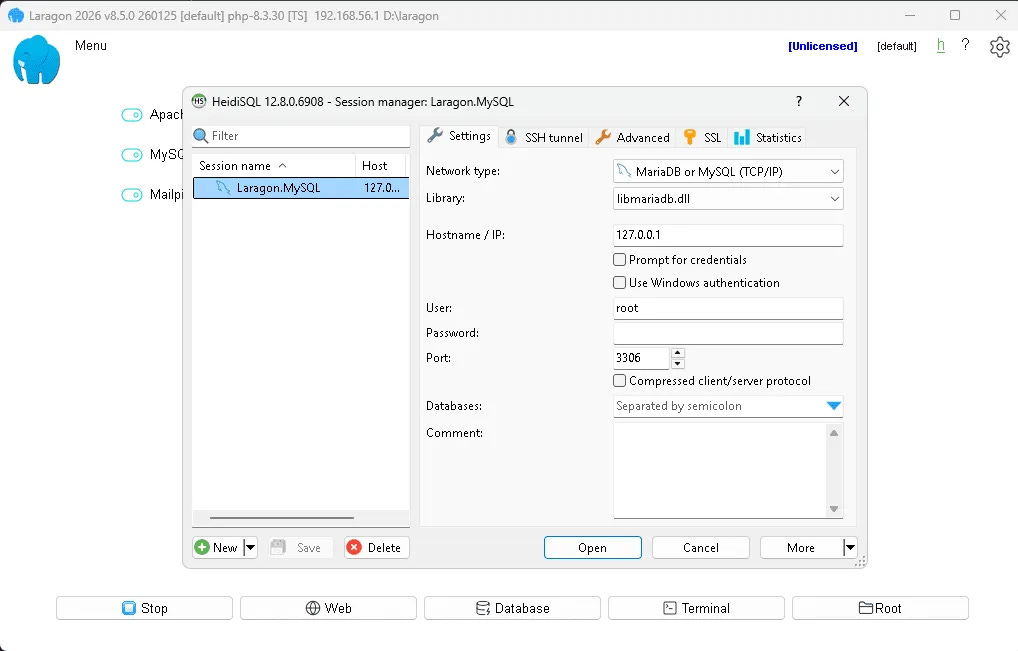
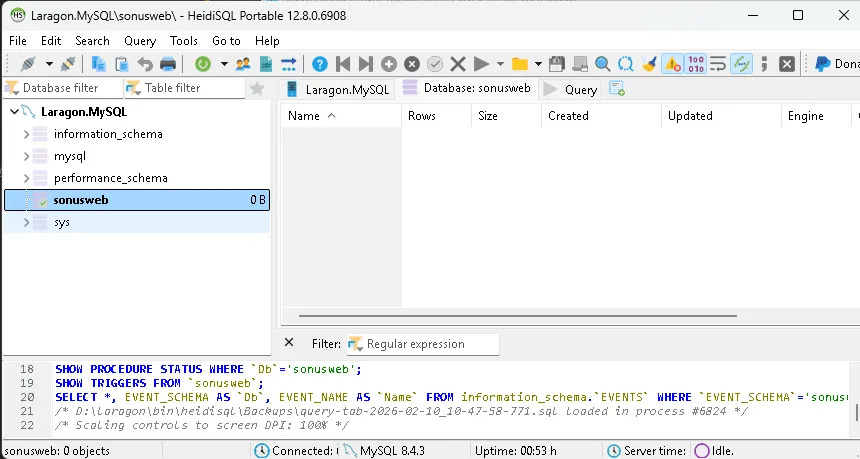
The .env configuration during local setup:
APP_NAME="sonusweb"
APP_URL="http://localhost"
APP_ENV=local
APP_KEY=
APP_DEBUG=true
APP_TIMEZONE="Asia/Jakarta"

ASSET_URL="http://localhost"

DEMO_MODE="Off"

LOG_CHANNEL=stack

DB_CONNECTION=mysql
DB_HOST=127.0.0.1
DB_PORT=3306
DB_DATABASE=sonusweb
DB_USERNAME=root
DB_PASSWORD=
Challenges encountered during local setup included:
Issues with the PHP zip extension not being enabled.
Deciding not to enable Redis locally, leading to
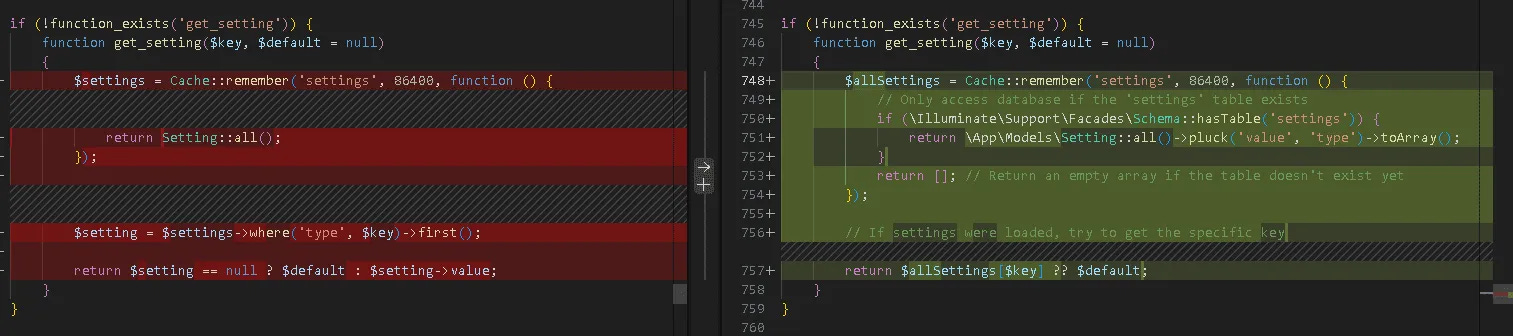
.envmodifications:CACHE_DRIVER=fileSESSION_DRIVER=fileQUEUE_CONNECTION=syncAn error related to a missing 'settings' table, which required adjusting helper configurations to conditionally access the database only if the table exists.
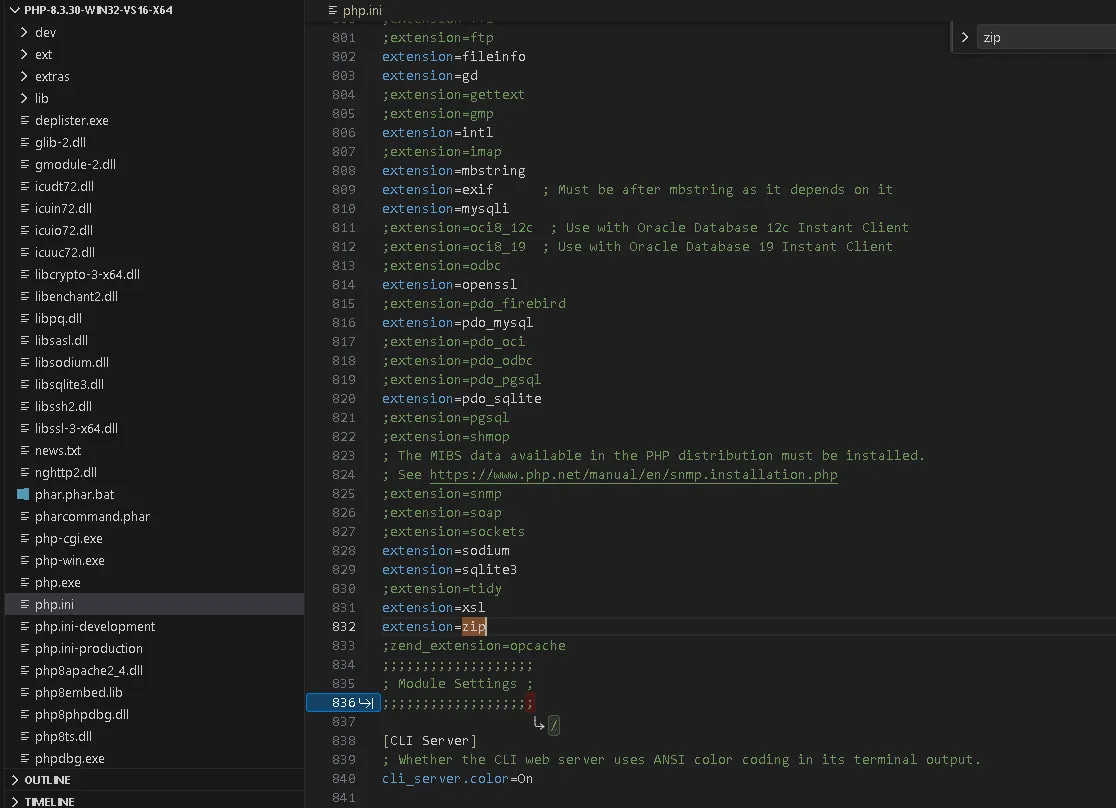
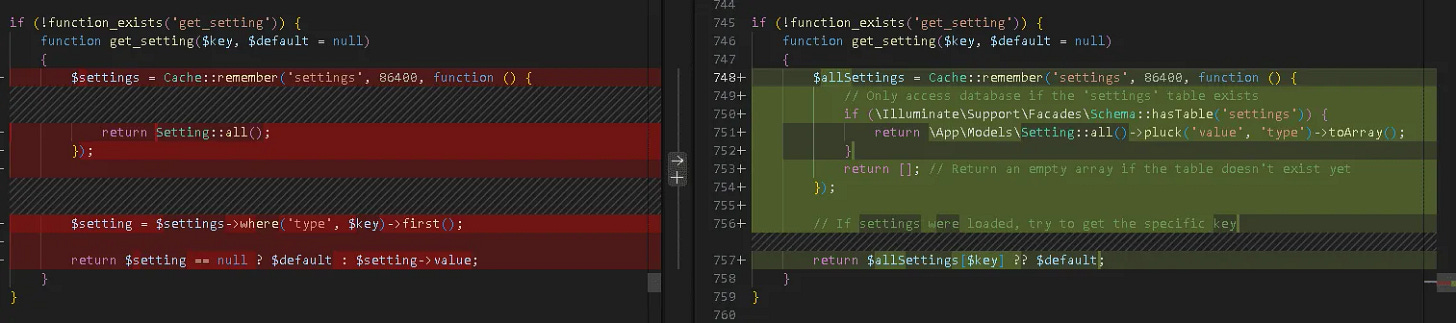
Further errors prompted disabling Redis service providers in
app.php(Illuminate\Redis\RedisServiceProvider::class) and commenting out Redis cache configurations incache.php.
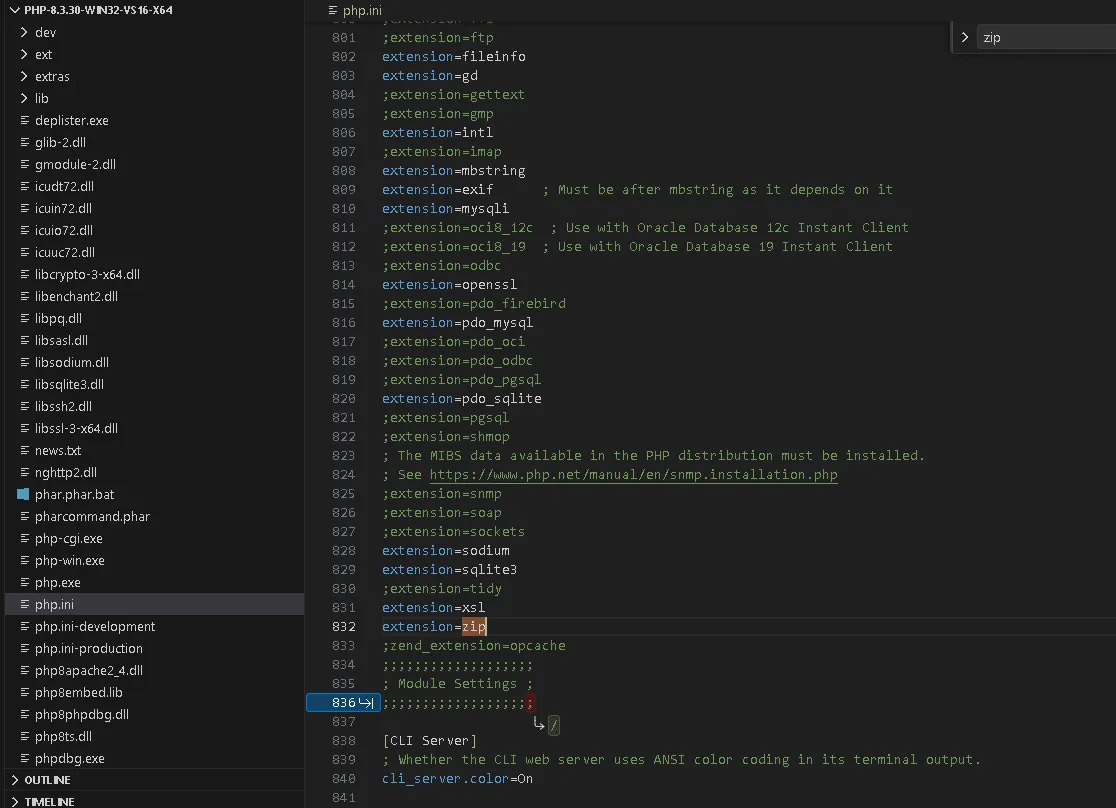
Due to persistent local development issues, the strategy shifted to duplicating an existing Laravel source code from a VPS:
Duplicating the MySQL database to a new one using an Aapanel VPS.
Configuring a new DNS for the new domain with PHP version 8.3.
Copying project files to a new directory.
Updating the
.envfile with production settings for the new deployment:
APP_NAME="NEW_APP"
APP_URL="NEW_URL"
APP_ENV=production
APP_KEY=
APP_DEBUG=false
APP_TIMEZONE="Asia/Jakarta"

ASSET_URL="NEW_URL"

DEMO_MODE="Off"

LOG_CHANNEL=stack

DB_CONNECTION=mysql
DB_HOST="localhost"
DB_PORT="3306"
DB_DATABASE="NEW_DB_NAME"
DB_USERNAME="NEW_DB_USER"
DB_PASSWORD=
Finally, running
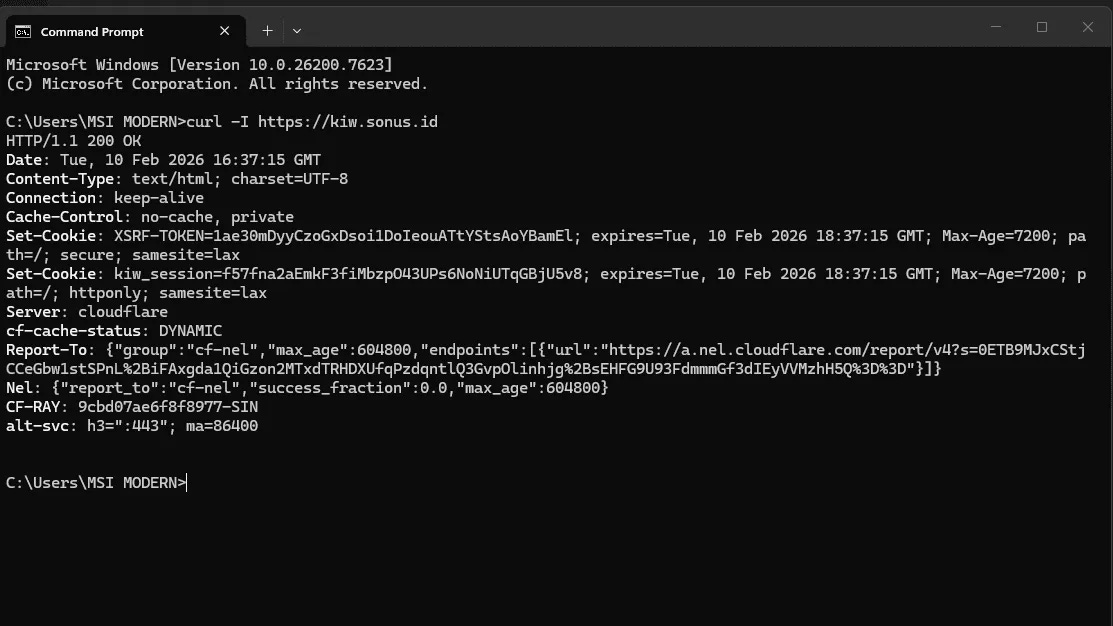
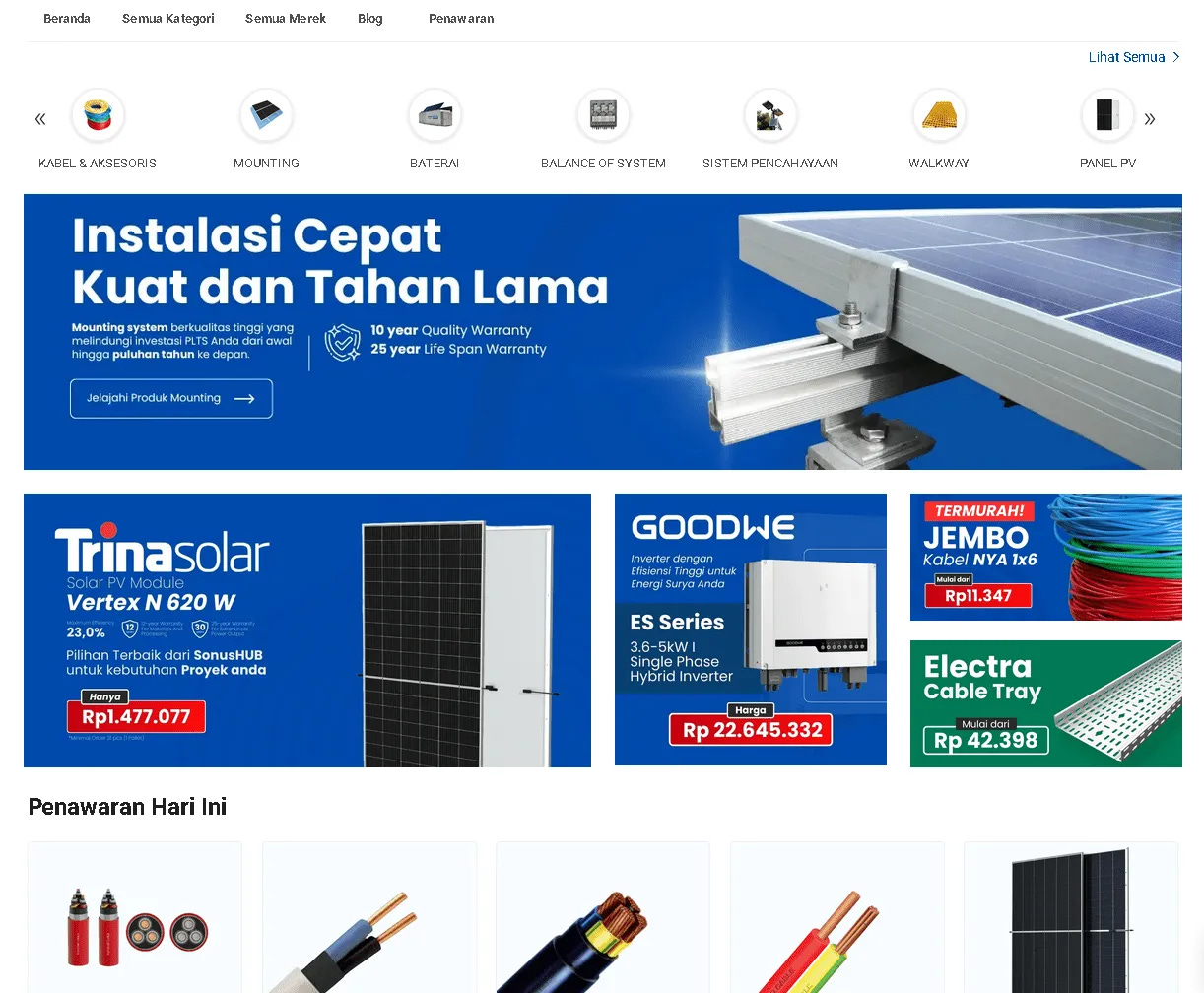
php artisan config:clearandphp artisan cache:clearsuccessfully launched the website.
What I’d Do Differently Next Time
Looking back, I wouldn’t spend too much time fixing local environment issues.
For Laravel projects with real deployment targets, it’s often faster to:
validate directly on a clean VPS,
align PHP extensions with production from day one,
and avoid local-only optimizations that won’t ship.
Local dev is still important, but only when it mirrors production closely.
Why I Finally Chose Laravel Over Medusa & Saleor
Medusa: great architecture, but ecosystem still evolving
Saleor: solid GraphQL core, heavier infra footprint
Laravel: fastest path to production with full control
For this project, speed-to-production mattered more than architectural purity.
Need help with Laravel e-commerce or VPS deployment?
DM me on LinkedIn or email hello@farros.co 🚀